
Step 1: Access API Keys
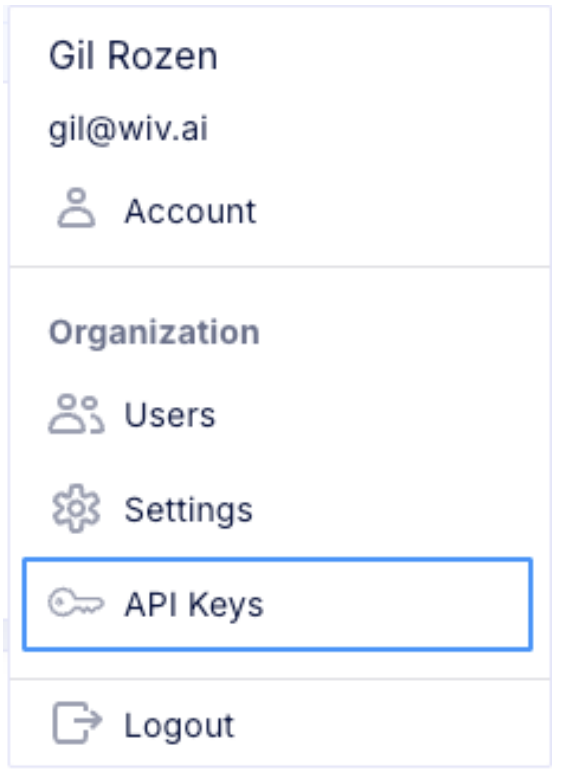
- Click your avatar in the top-right corner of the Wiv Platform
- Choose API Keys from the dropdown menu
Step 2: Create New API Key
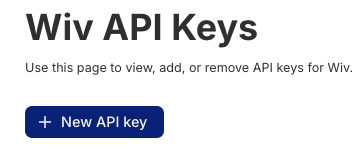
- Press the New API key button
- Pick an expiration period
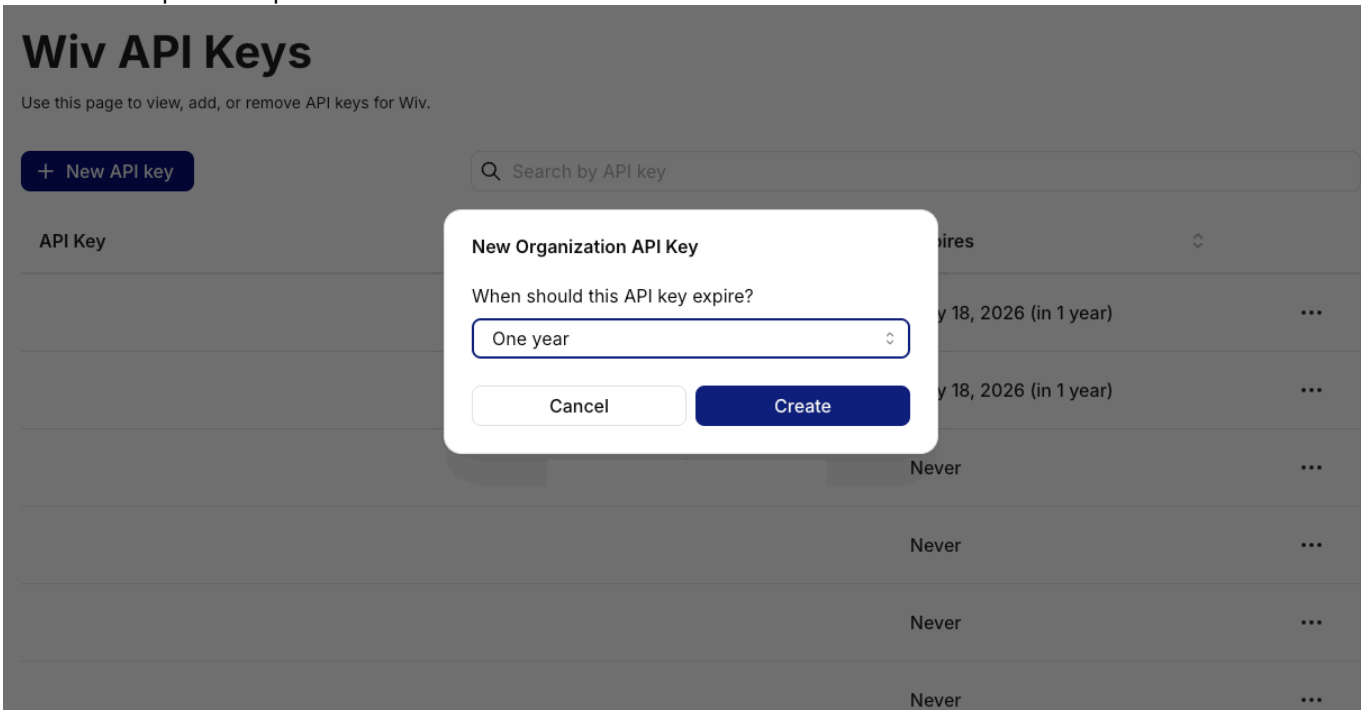
- Click Create
Step 3: Secure Your API Key
- Copy the API key that appears immediately
- Store it securely - you will not be able to reveal it again
-
This key will be used in the X-API-Key:
<your-api-key>header for all API calls