Testing Steps
| Q | A |
|---|---|
| The “Write Records” step only returns 100 items | Since we can’t predict how many items will be returned, we limit the UI display to the first 100 items to ensure optimal performance. To access all the items you’ve written to the datastore, use the “Read Records” step. While the UI will still show only 100 items, the step output contains all the relevant data. |
Working with Datastores
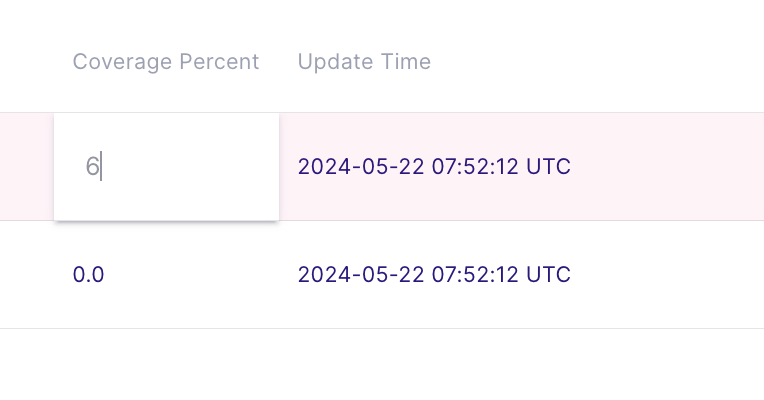
How can I edit the value of a single record within a specific datastore? To edit a value in a specific datastore, follow these steps:- Go to the page of the specific datastore.
- Find the record you want to modify.
- Double-click the cell containing the value you wish to change.
- Enter the new value directly into the cell.
- Finish editing by pressing the Enter key or clicking outside the edit area.