Skip to main content
Wiv Docs home page
Search...
⌘K
Support
Wiv website
Overview
Wiv Documentation
My First Steps
Creating Your First Workflow in Wiv
My First Workflow - Interactive Video Tutorial
Understanding Automation Types in Cloud Operations
Getting Started With Cases Configuration
Getting Started with REST API in Workflows
Org & User Management
Roles and Permissions in Wiv
Support
Wiv App
Wiv Docs home page
Search...
⌘K
Support
Wiv App
Wiv App
Search...
Navigation
GitHub
Getting Started
Onboarding
Platform
API
FAQs
Getting Started
Onboarding
Platform
API
FAQs
GitHub
Copy page
Connect Wiv to GitHub to link cost optimization actions to pull requests and repositories.
Copy page
Configuration Steps
Configure GitHub Integration within Wiv
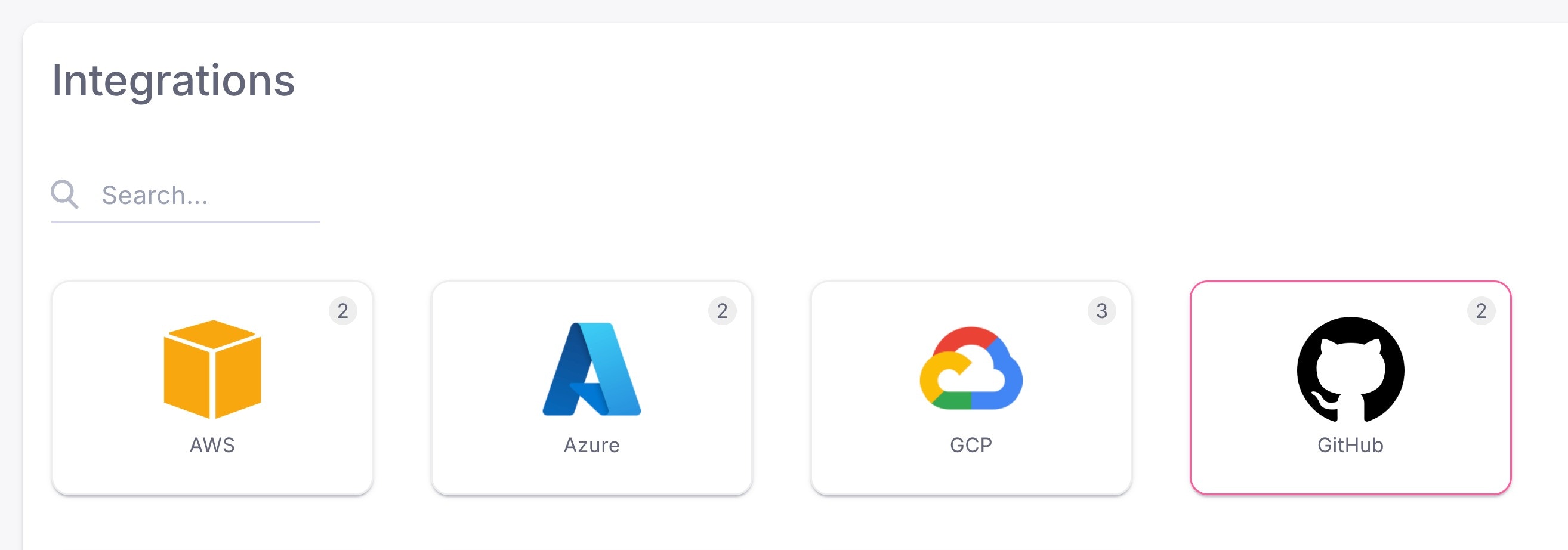
Using the side-menu, navigate to Integrations page:
Click on
GitHub
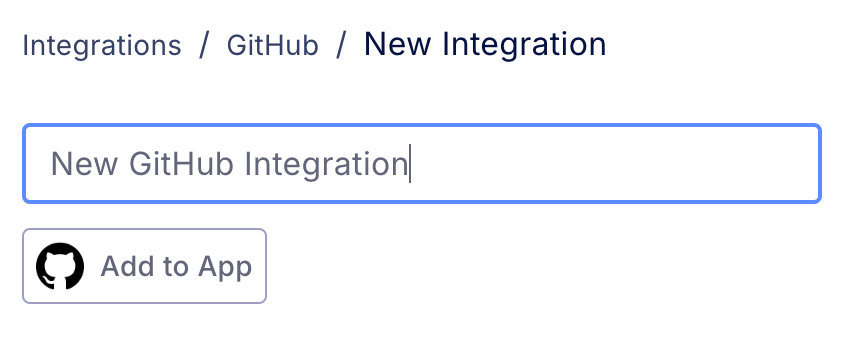
Click on
New GitHub Integration
Provide a GitHub
Integration Name
and click
Add to App
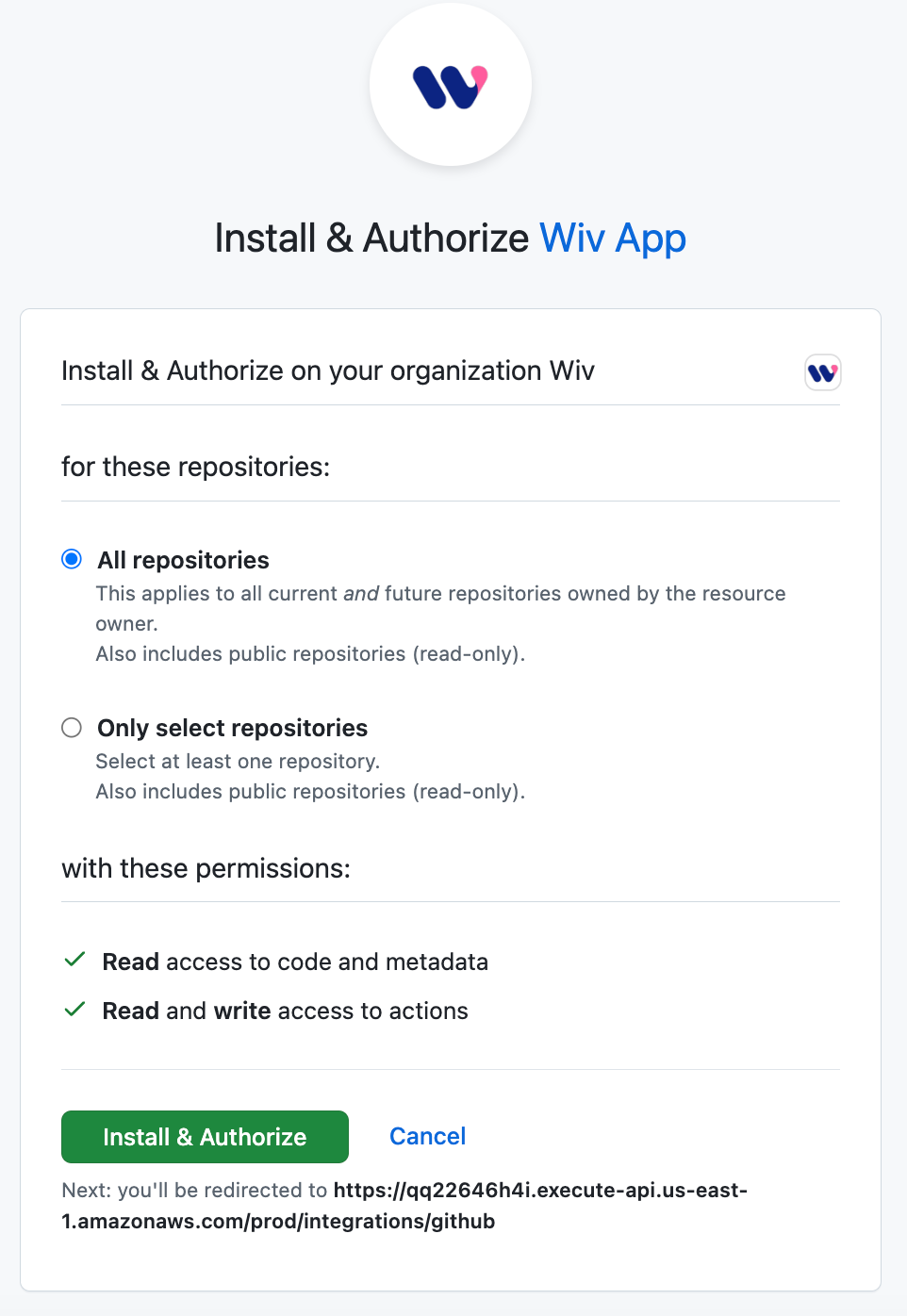
You will be directed to
GitHub Install & Authorize Wiv GitHub App
page
** Configure and install Wiv GitHub App page**
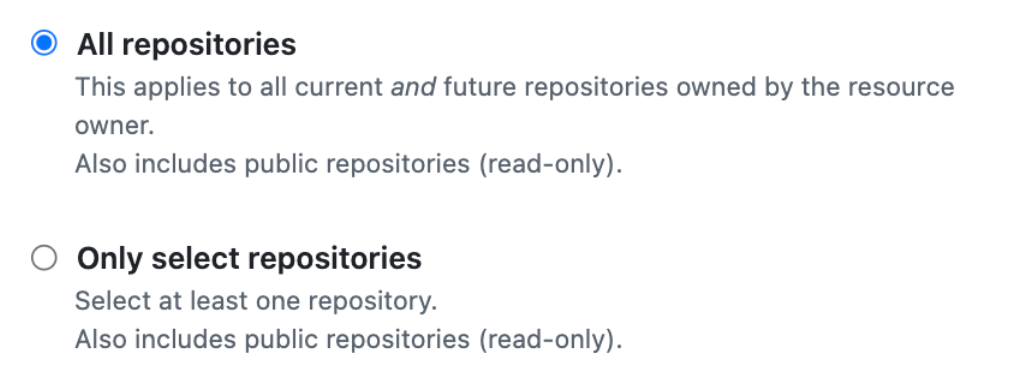
Select All repositories or only select repositories you would like Wiv to have access to:
Permissions
Wiv Requires the following GitHub permissions:
Actions
- Read & Write
Contents
- Read Only
Metadata
- Read Only
Click on
Install & Authorize
You will be redirected to the Wiv Platform with a “Successfully added integration” indication
⌘I