Pre-requirements:
Enterprise Administrators must enable the “Account owners can view charges” policy in the Cost Management + Billing menu under Policies in the Azure portal. Once enabled, AOs can analyze costs, set budgets, and view usage details in the portal.
Script Breakdown:
The script involves several steps, including the creation of an App registration, a Storage Account, and the setup of Cost Management and Billing export. Below is a summary of the script’s key functionalities:- Login to Azure:
- Subscription Verification:
- Resource Provider Registration:
- Resource Group Setup:
- App Registration and Service Principal:
- Role Assignments:
- Admin Consent:
- Completion and Outputs:
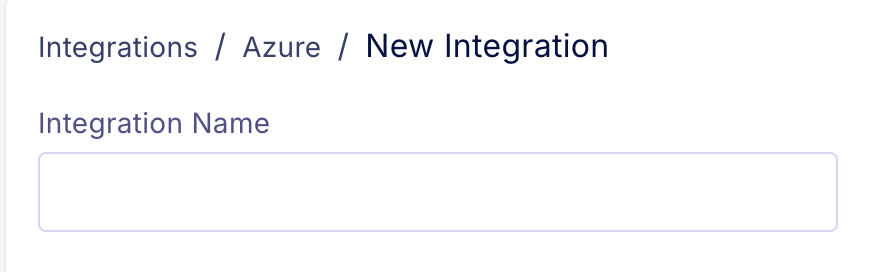
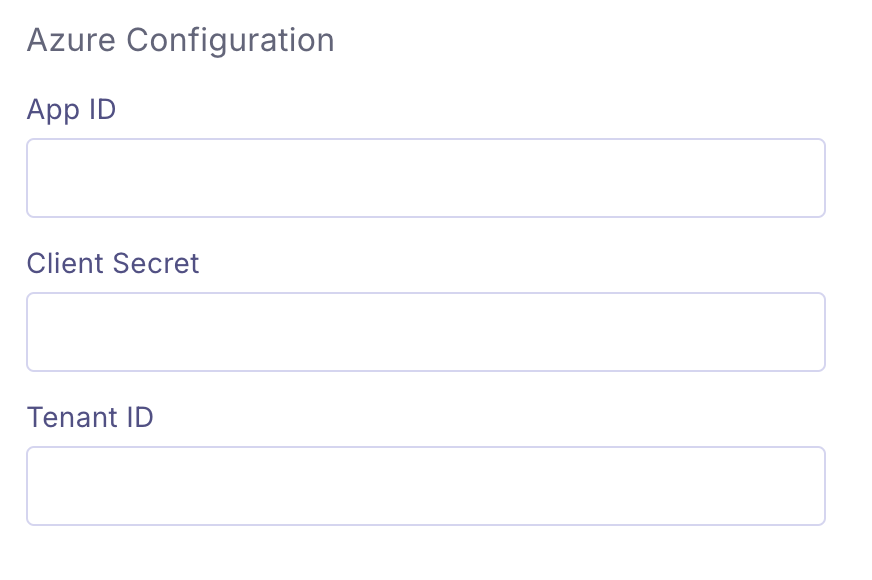
Integration:
Open Azure CloudShell https://shell.azure.com/ Run the following command: