
- Log into CloudHealth using your username and password.
- Click My Profile.
- In the API Key section, click Generate API Key.
- Navigate to Wiv -> Integration
- Click on CloudHealth
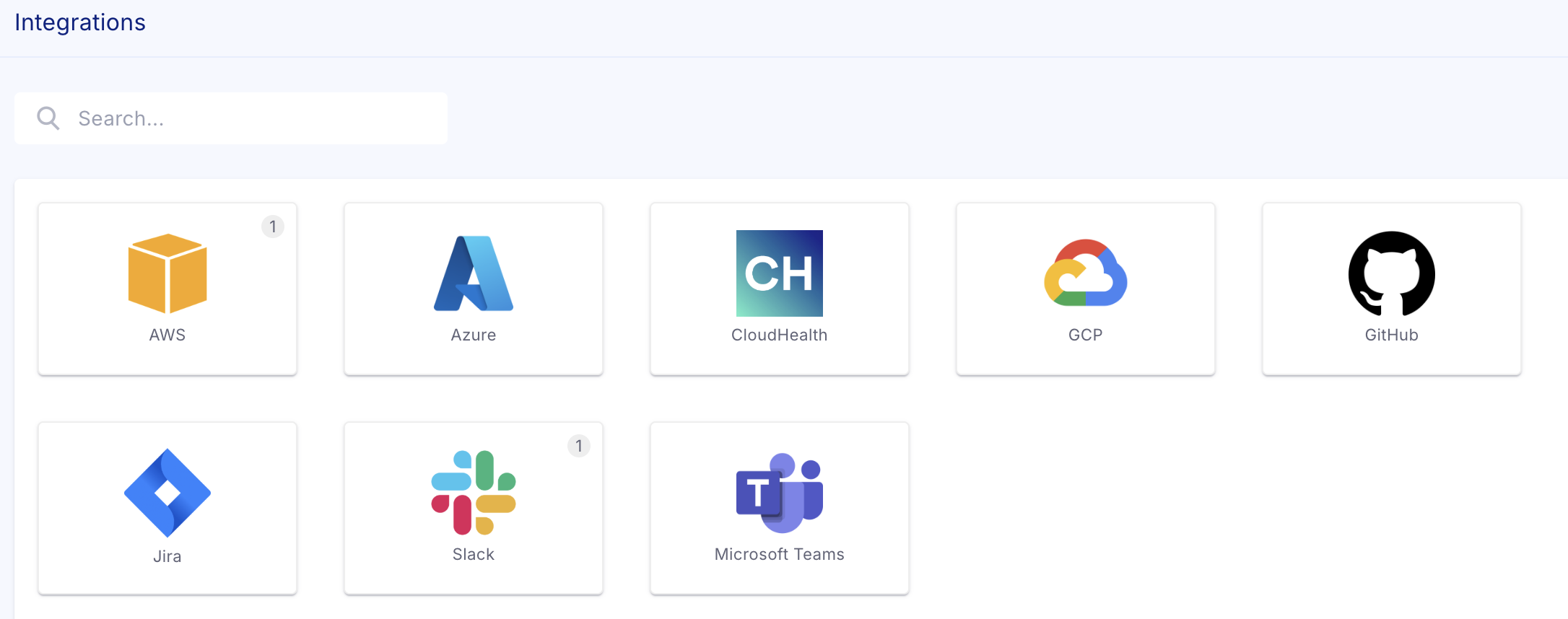
- Click on New CloudHealth Integration
- Provide integration name and paste the API key and click “save”