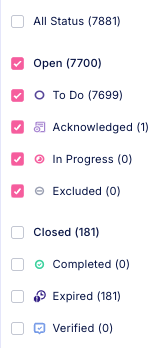
- Open Cases: These cases are active and require user attention.
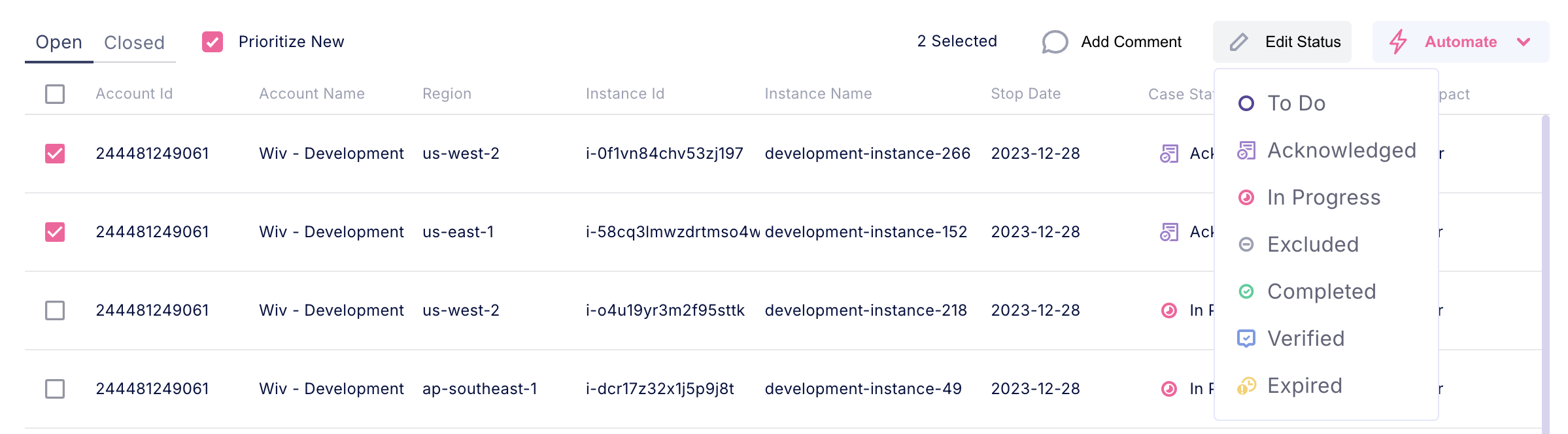
- To Do: Cases that need action from the user.
- Acknowledged: Cases where the user has been notified but hasn’t started working on them.
- In Progress: Cases that are currently being addressed.
- Exclude: Cases that the user has marked as excluded from further actions.
- Closed Cases: These cases are considered resolved or no longer require action.
- Completed: Manually updated by the user as completed. It moves to “Closed” but can be reopened if needed.
- Verified: If a case originally marked as “Completed” by the user, during the next workflow run, if the case no longer exists, it is confirmed as “Verified.”
- Expired: Cases that reached expiration without any status update from the user, marked as “Expired” and moved to “Closed.”
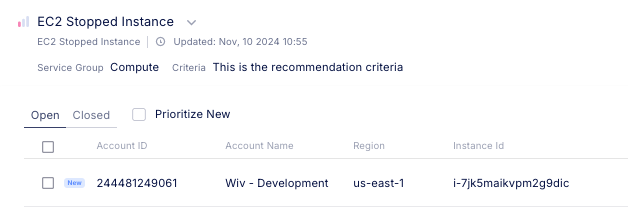
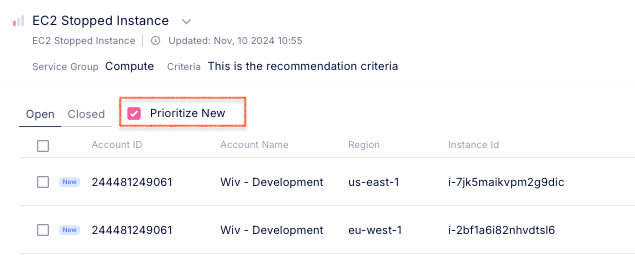
- New: This attribute highlights cases added in the most recent runs that haven’t yet been addressed. Cases marked as “New” help users quickly identify items needing attention, such as updating the status, adding comments, or taking other actions.
Updating statuses for cases
There are two main ways to update a case status:- Going to the Cases page, selecting the relevant Case Items, and use the Edit Status button
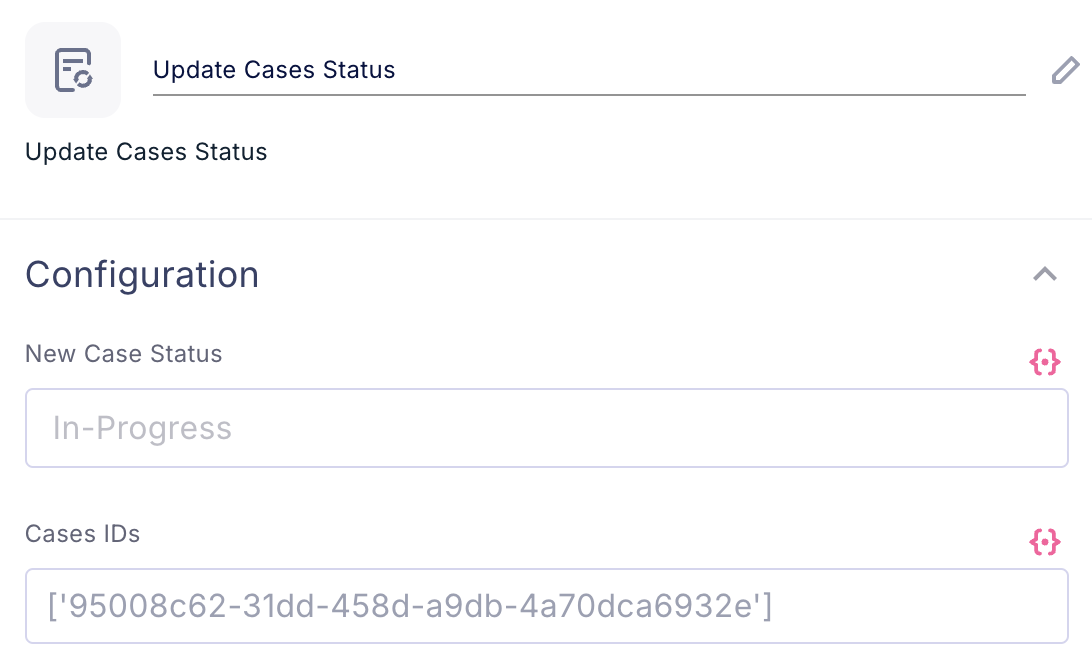
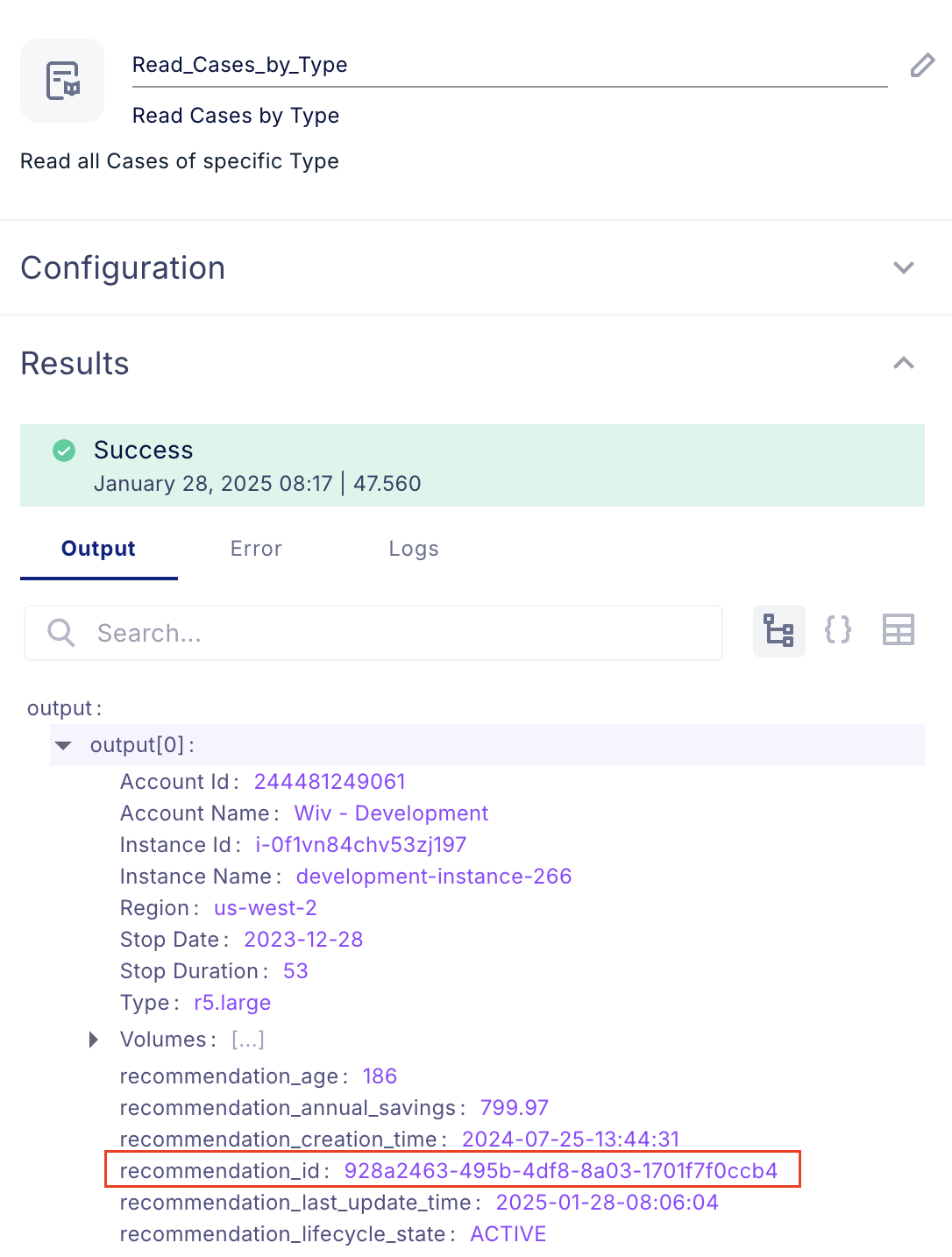
- Using Workflow automations when working on cases by using the Update Cases Status step.