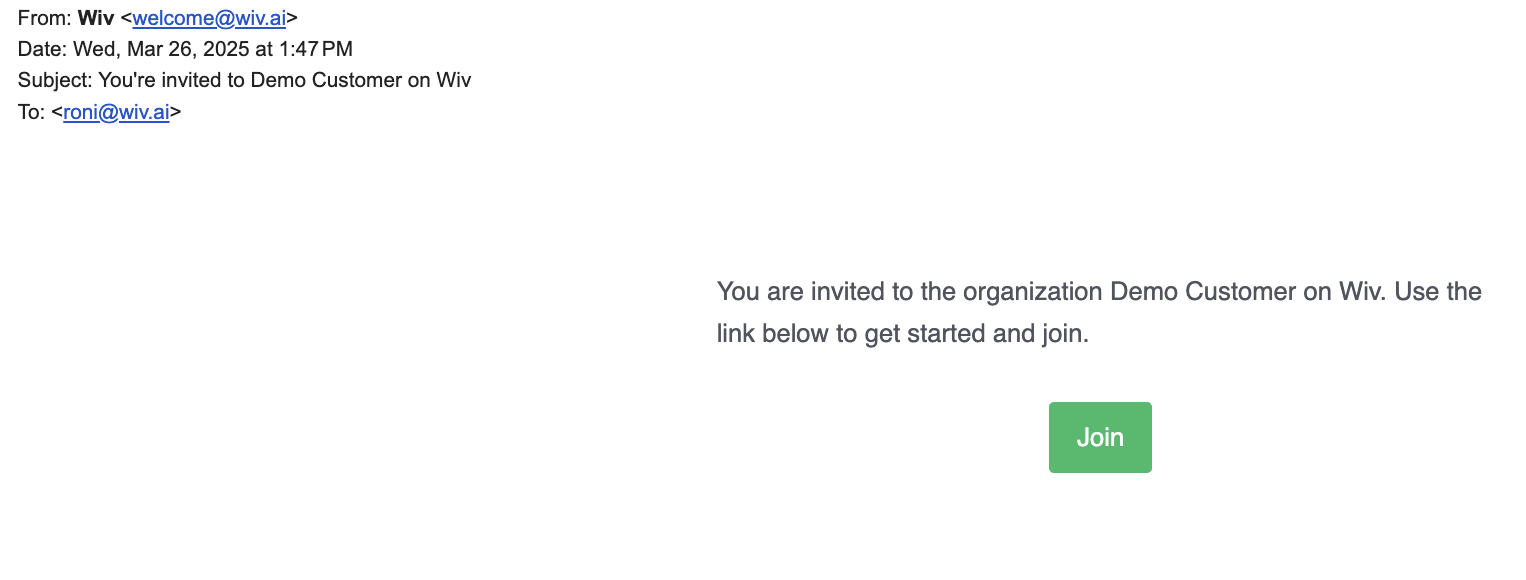
- Active integration management and sharing
- User administration and permission control
- Detailed audit logs for monitoring access patterns and security
Managing Customers
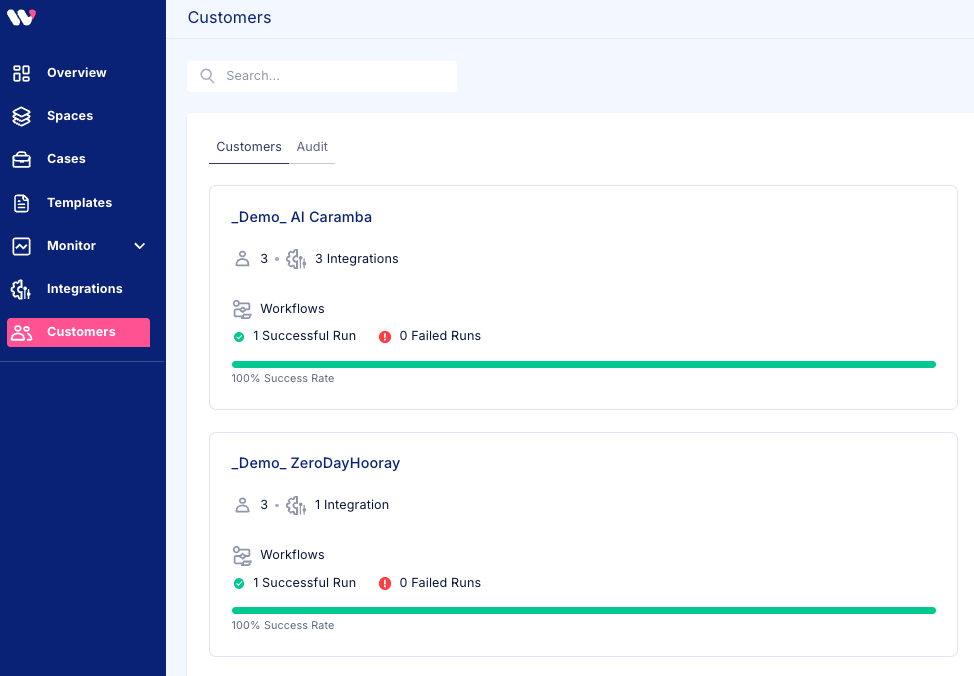
Creating a new customer
To create a new customer:- Press the New Customer button on the top-right corner of the page
- Enter the Customer Name
- Set the relevant access permissions for users
- Press Add Customer
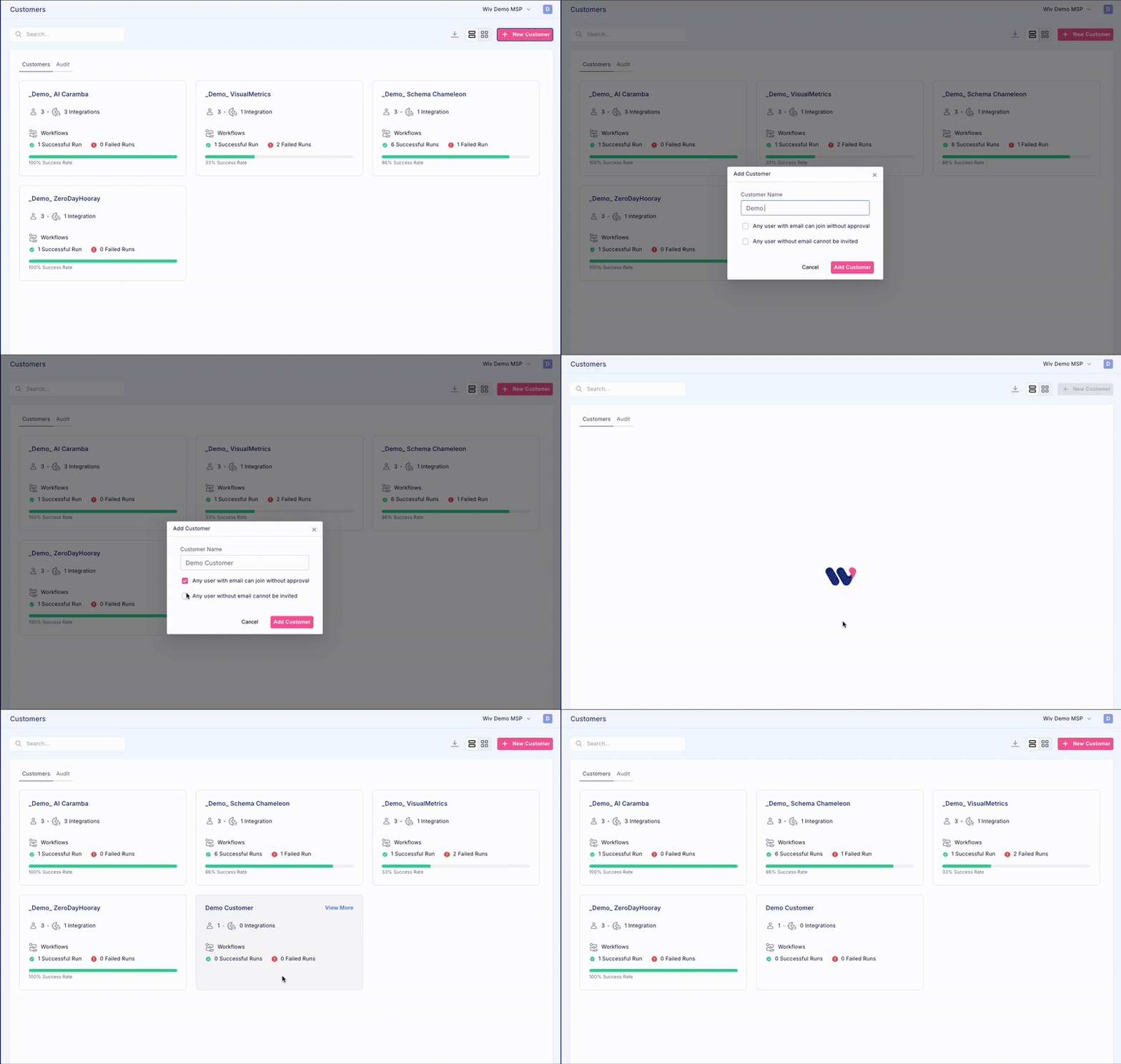
Sharing existing customer integration
If you already have the customer integration in your own tenant and you want to share the customer integration to the newly created customer, please follow the following steps:- Go to the integration page
- Press the relevant integration type
- From the list of integrations, select the customer integration, press on the 3-dot menu, and select Share
- Select the **Share Integration **option
- Select the customer you want to attach the integration to
- Press Share
- You can now see that the integration is attached to the customer
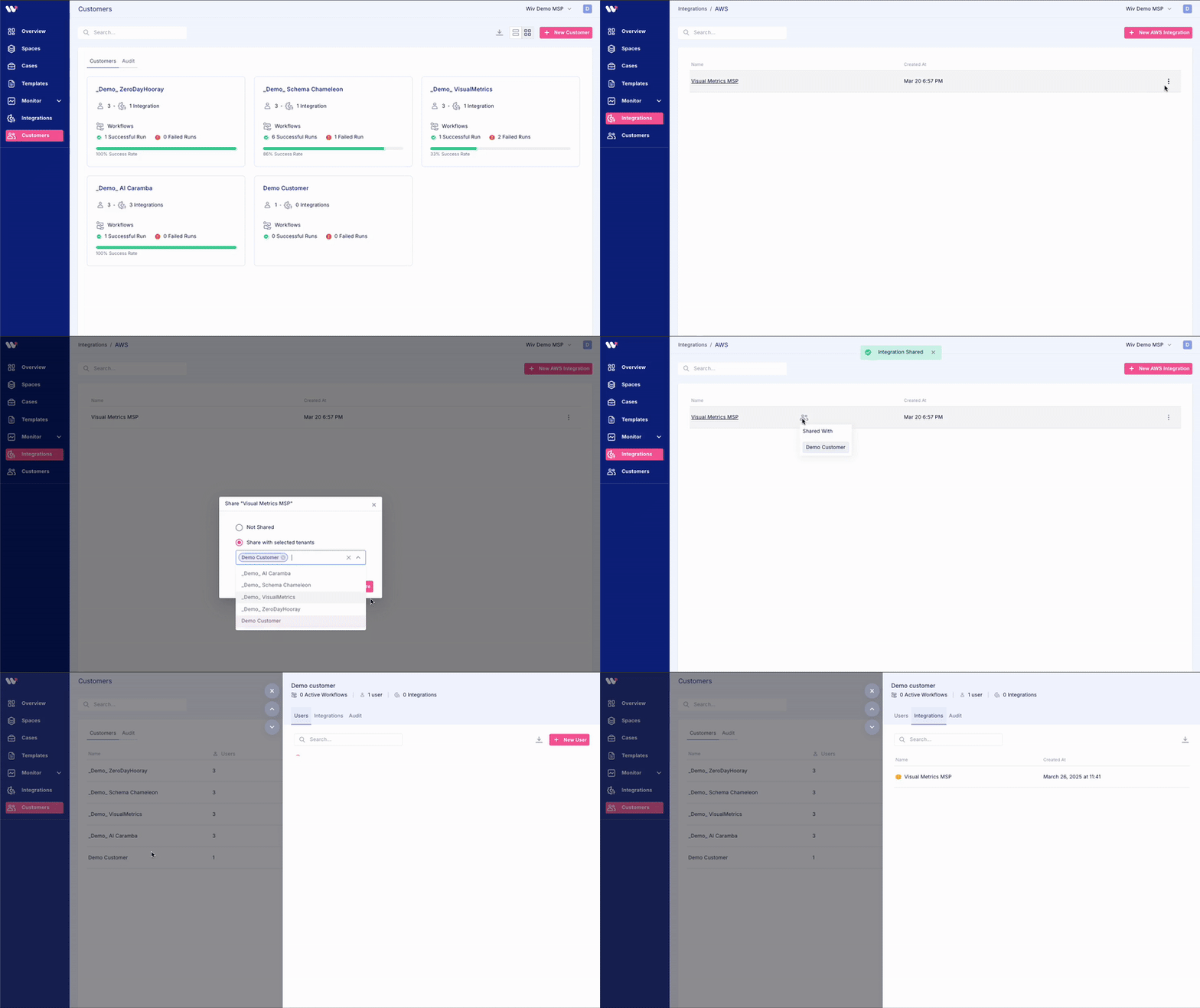
Managing Users
To add users to the organization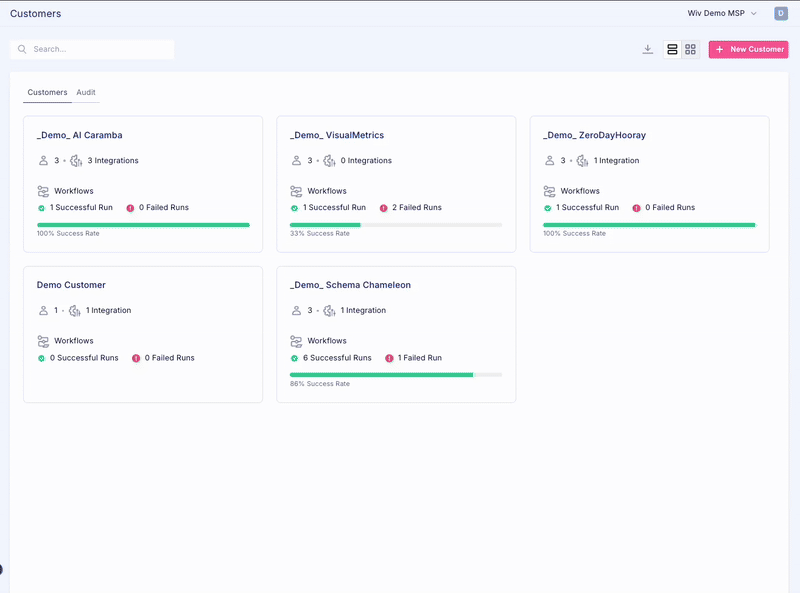
- Click on the customer you want to manage
- Click on the New User button
- Enter the user’s email and role
- Press Invite
- The user will get an email inviting them to the customer tenant