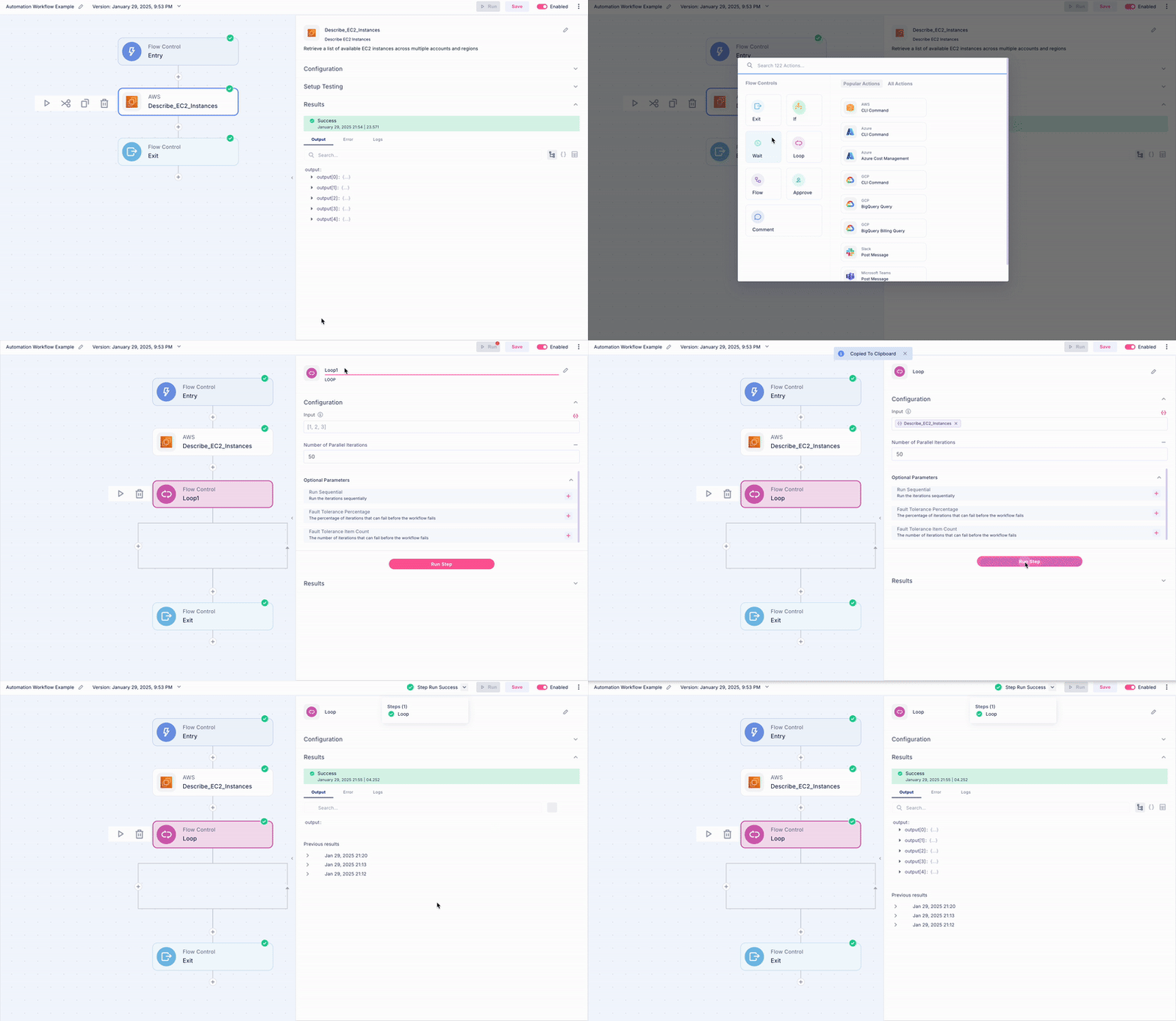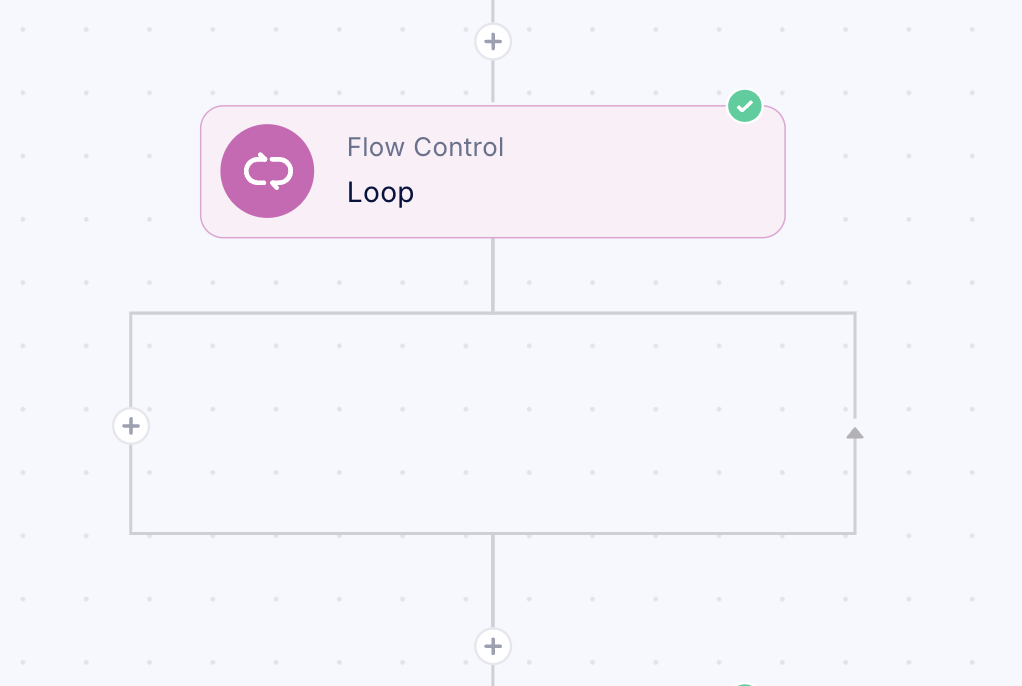
Working with Loops
The Loop step enables systematic iteration through resource collections to execute specified operations on each item.Loop Configuration Guidelines
- Integrate Loop Step Implementation
- Add the Loop component to your existing workflow structure using the (+)
- Configure Parallel Execution Parameters
- Default configuration allows 50 concurrent executions
- This setting represents industry-standard best practices for optimal performance
- Define _Optional_Loop Parameters
-
Sequential Processing Option
- Enable sequential execution mode
- Processes iterations one at a time instead of parallel execution
- Suitable for operations requiring strict orderingPercentage-Based Fault Tolerance
-
Specify the acceptable percentage of failed iterations
- Set to 100% to complete all parallel iterations regardless of failures
- Set to 0% to terminate workflow upon first failure
- Helps manage execution reliability and error handling
-
Absolute Fault Tolerance Threshold
- Define specific number of acceptable iteration failures
- Particularly useful when total iteration count is known
- Enables precise control over failure thresholds
- Allows for granular management of execution reliability