Types of Entry Steps
The platform provides three distinct entry step options:- Manual Entry
- Enables on-demand workflow execution
- Appropriate for processes requiring human oversight and discretion
- Example: Generating comprehensive analysis reports based on specific requirements
- Event-Based Entry
- Initiates workflows in response to specified cloud environment events
- Optimized for automated responses to infrastructure changes
- Example: Responding to CloudTrail events such as EC2 instance provisioning
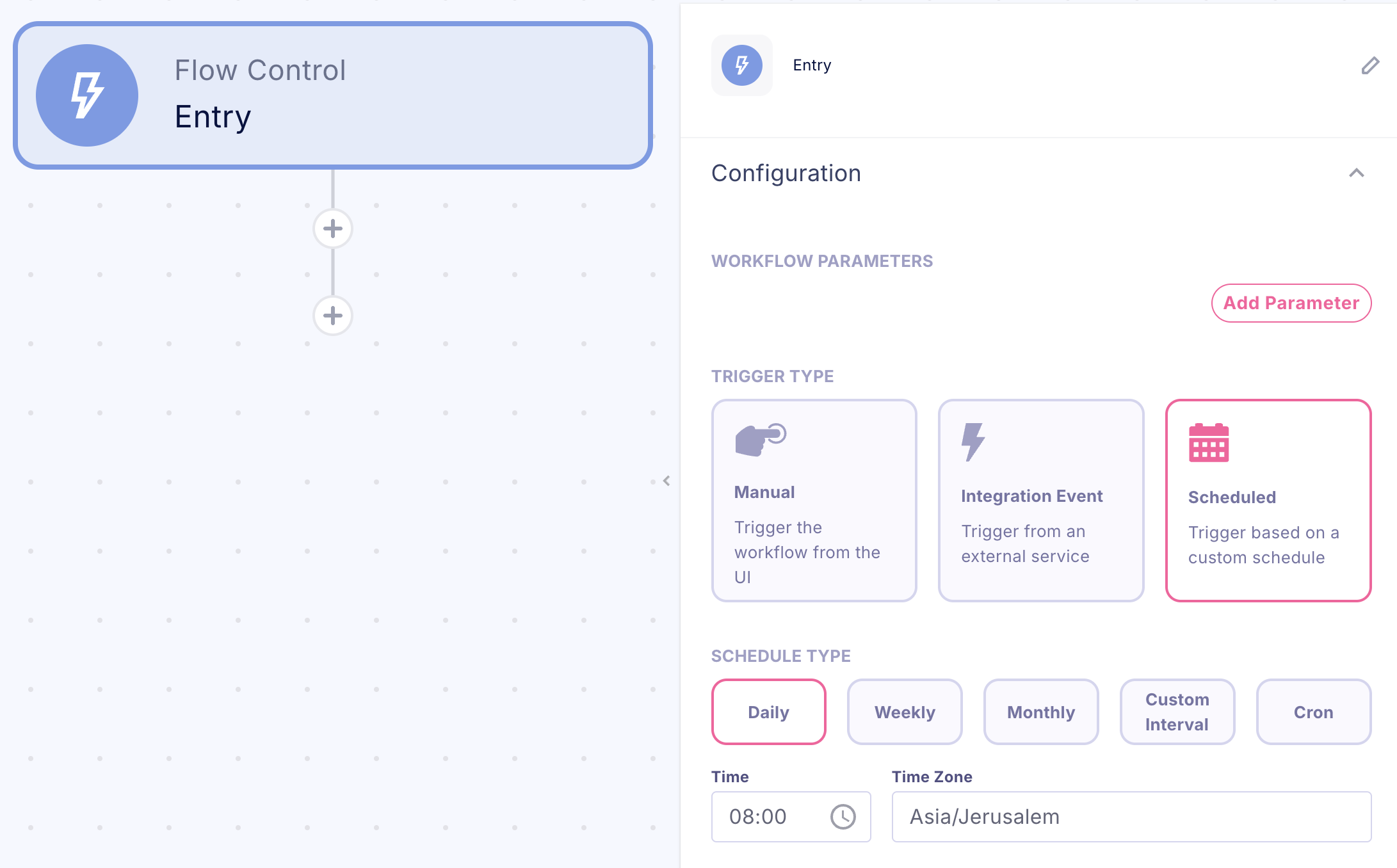
- Scheduled Entry
- Executes workflows according to defined time intervals
- Designed for systematic, recurring operations
- Example: Conducting periodic resource utilization assessments
Workflow Configuration
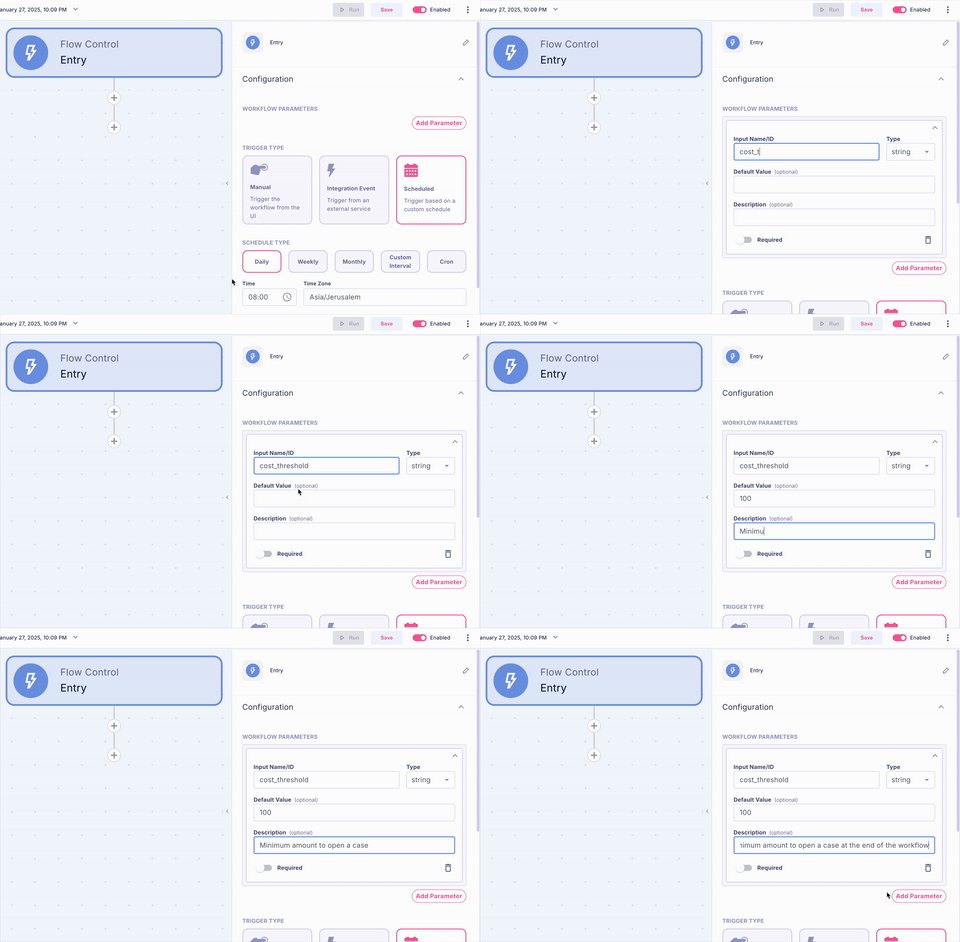
Every new workflow will be created with the initial Entry step. We can define two areas in our automation:- Select and configure our preferred entry type
- Establish the workflow’s input parameters
Input Parameter Configuration
Input parameters enable data transmission into your workflow, essential for:- Integration with the Opportunities Management interface (Running automations from Cases)
- Implementation as a sub-workflow component
- Dynamic behavior modification based on input values
Parameter Configuration Process:
Access the workflow parameters section within the Entry properties
- Configure required parameters with appropriate names and data types