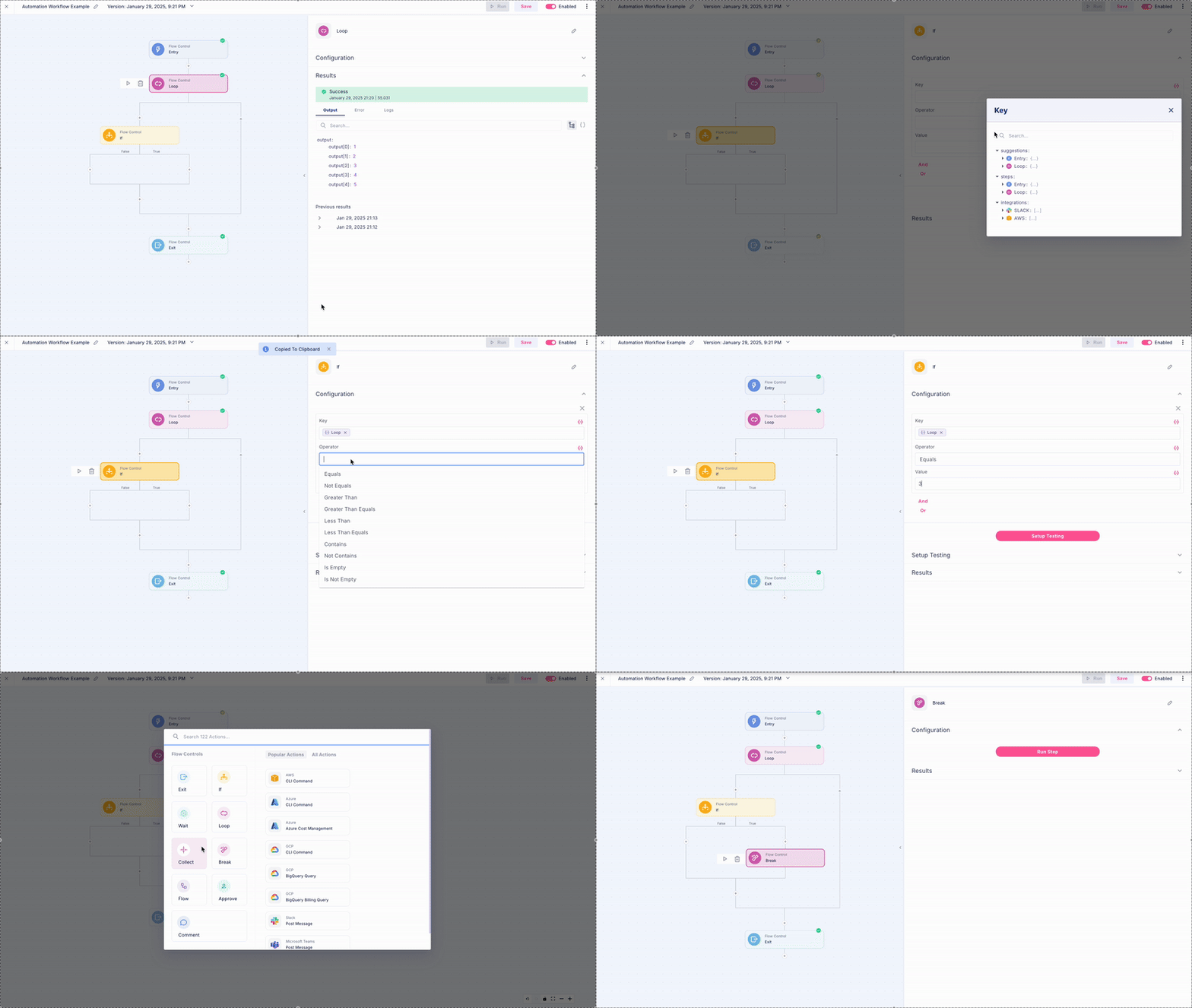
What is Break?
Break acts as an “emergency exit” for your loops, allowing you to stop loop execution and move on to the next part of your workflow when certain conditions are met. This creates more efficient automation by preventing unnecessary processing. Common use cases include- Finding what you need early - like spotting the first non-compliant resource in a large inventory check
- Reaching processing limits - such as when accumulated costs hit a budget threshold
How to Add Break
- Inside the scope of a Loop, Press the (+) button
- Select Break from the Flow Control section