Overview
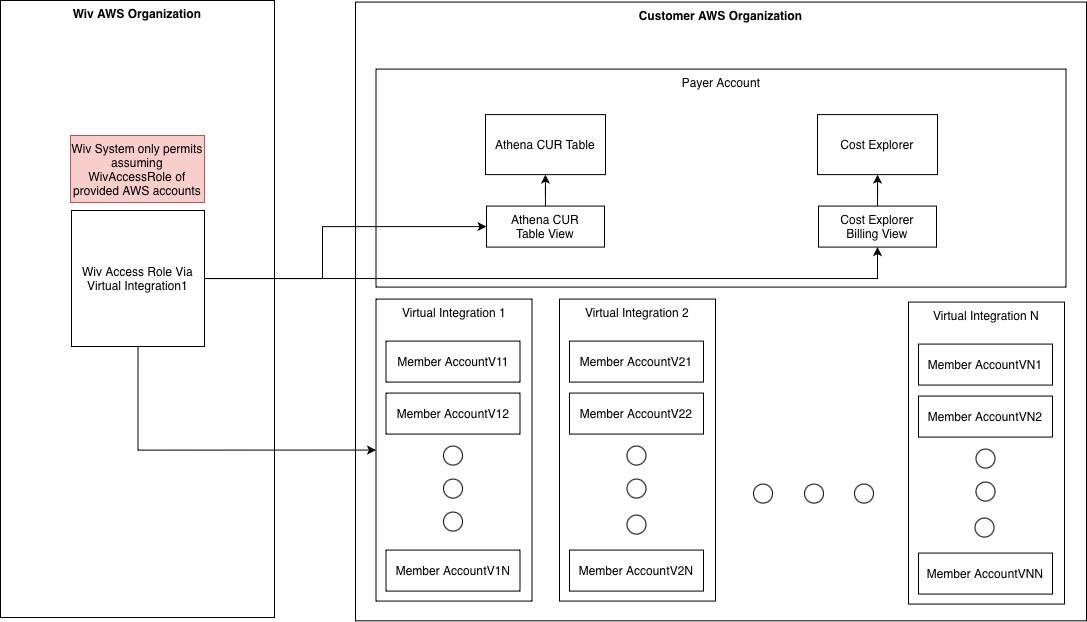
Virtual Integrations allow Managed Service Providers (MSPs) to create isolated cost views for specific groups of AWS accounts within their AWS Organization. This enables MSPs to provide each customer with access to only their relevant AWS accounts and cost data, without requiring separate AWS Organizations or additional infrastructure.Key Benefits
- Account-Level Isolation: Each virtual integration provides access to a specific subset of AWS accounts
- Automatic Cost Filtering: Both AWS Cost Explorer and Athena queries automatically filter to show only relevant accounts
- No Customer Setup Required: All configuration is managed from the MSP’s payer account
- Single Integration Point: Uses the existing AWS integration in the payer account
- Real-Time Updates: Account assignments can be changed at any time, and filters update automatically
How It Works
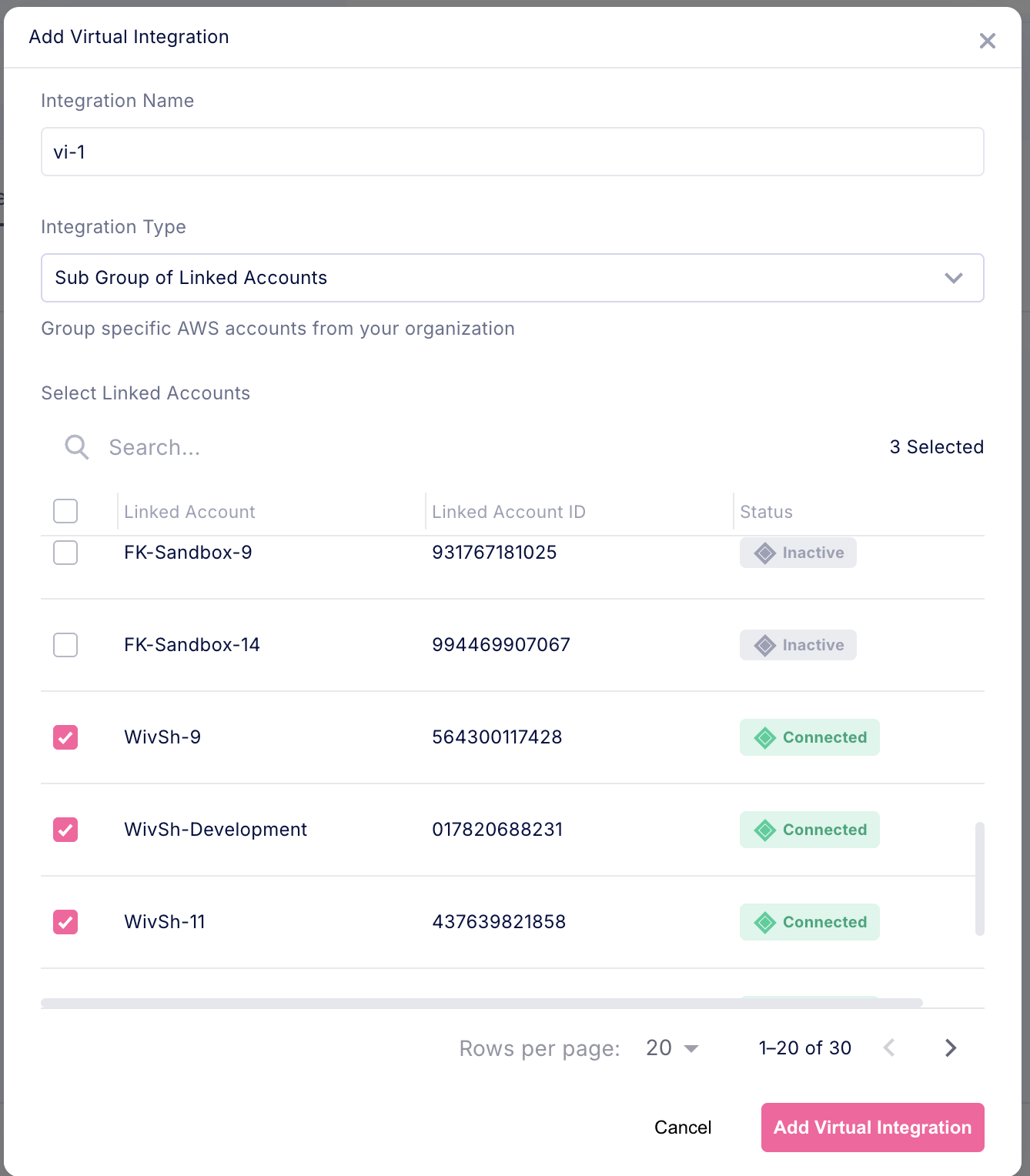
When you create a virtual integration:- Select Accounts: Choose which AWS accounts from your organization should be included
- Automatic View Creation: The system creates filtered views for both Cost Explorer and Athena in your payer account****
- Instant Access: Cost data is immediately available and automatically filtered to show only the selected accounts
Prerequisites
AWS Organization Setup
Your AWS Organization must have:- Consolidated Billing: All accounts must be part of an AWS Organization with consolidated billing
- Cost and Usage Report (CUR): A CUR must be configured and accessible in the payer account
IAM Role Requirements
TheWivAccessRole in your P****ayer account must have the following permissions:
Athena Permissions (can already exist from Payer 1st on-boarding)
AWS Billing Permissions
S3 Access for CUR and Athena Results
Linked Account Requirements
TheWivAccessRole in linked accounts requires:
- Basic AWS read permissions: Same as a standard AWS integration
Creating a Virtual Integration
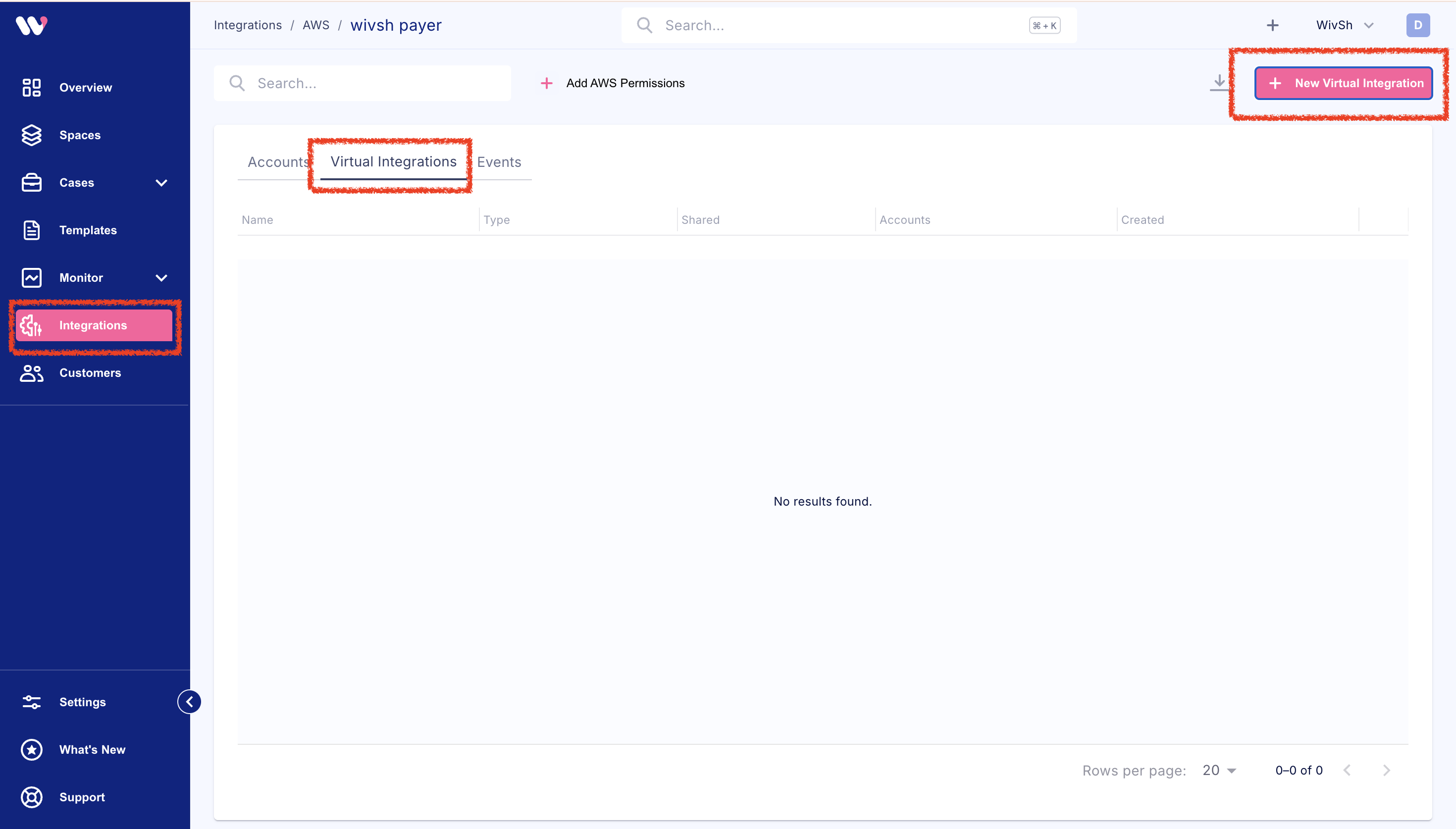
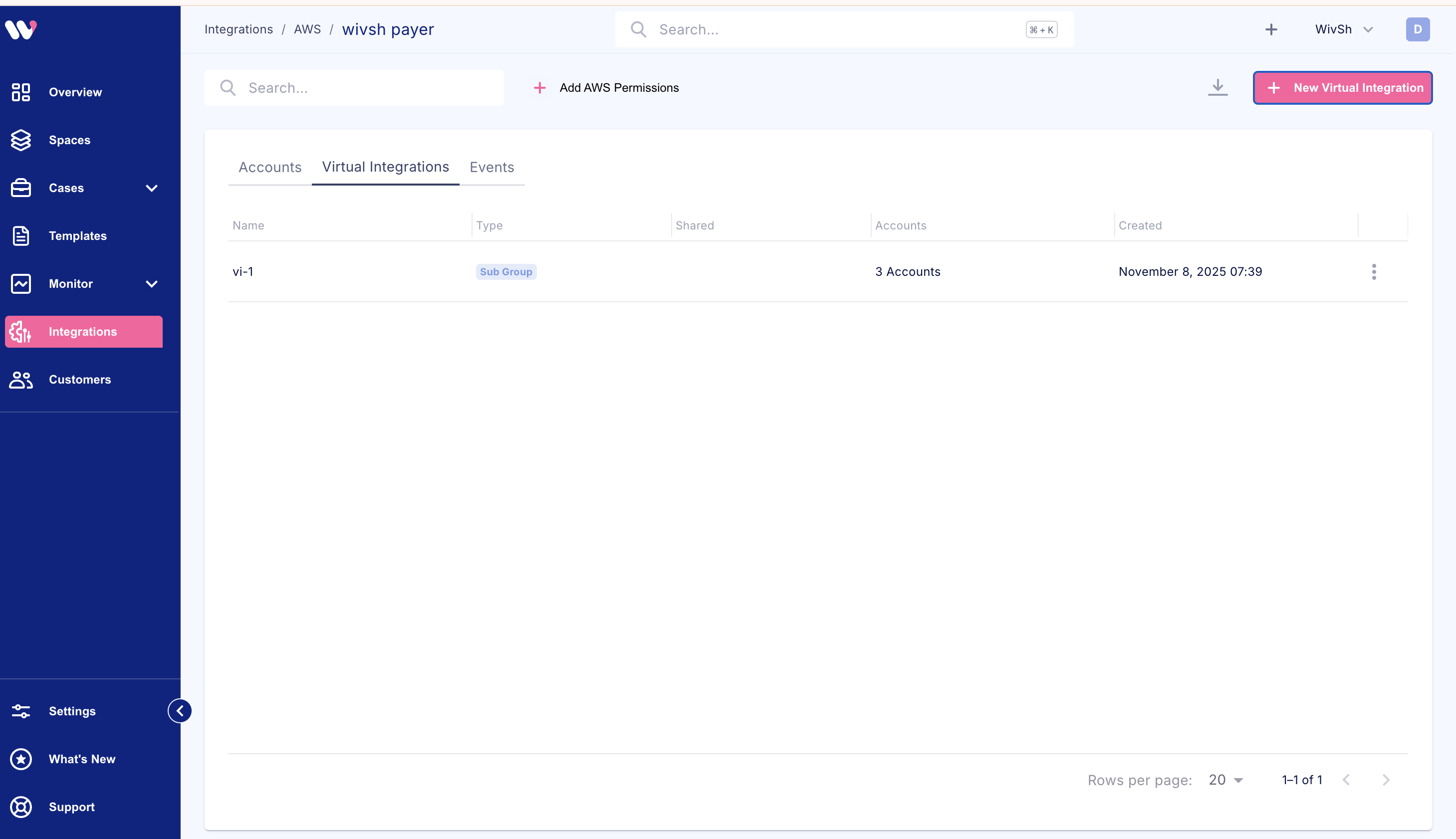
Via Console
Updating Account Assignments
You can add or remove accounts at any time:Via Console
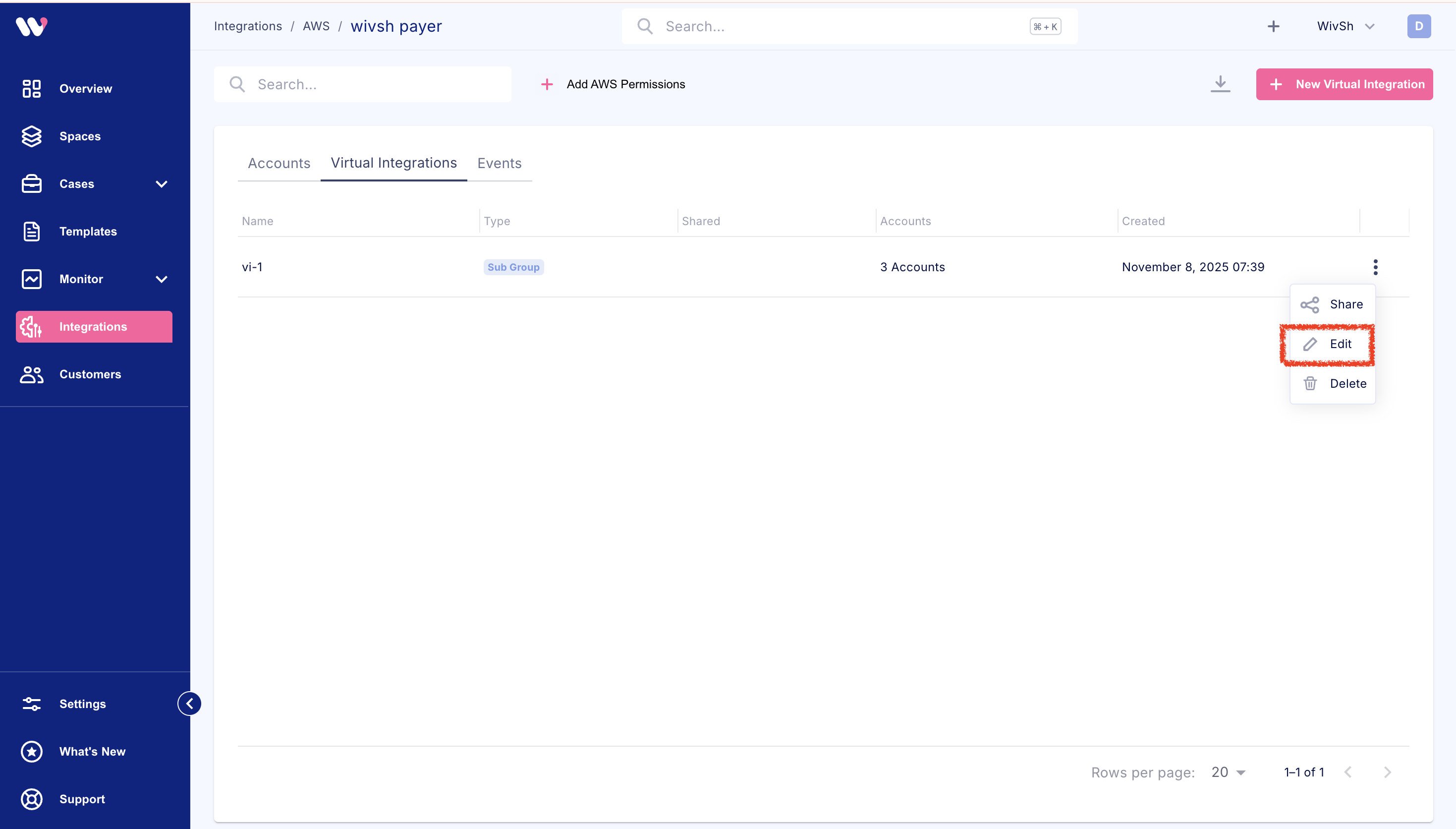
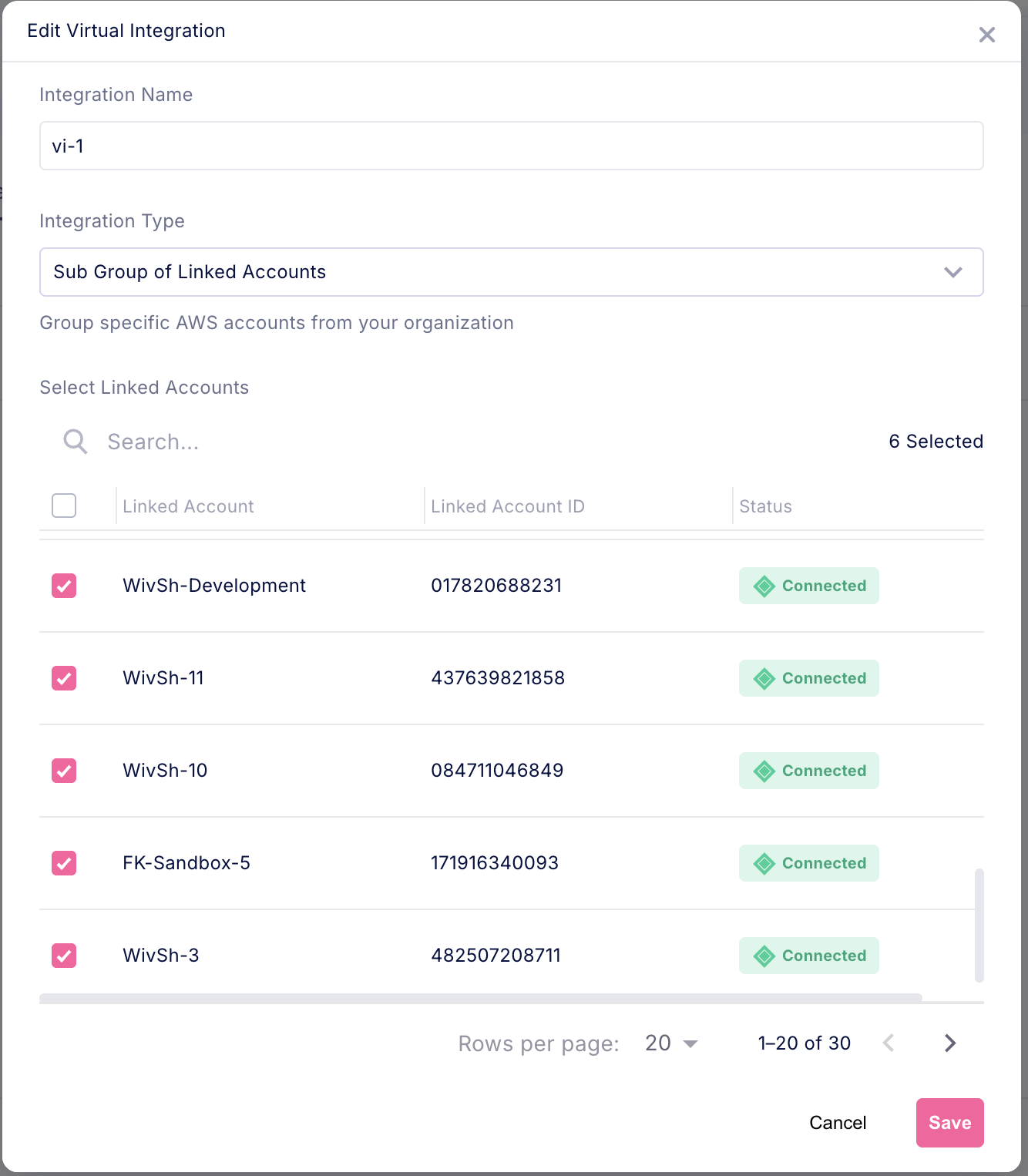
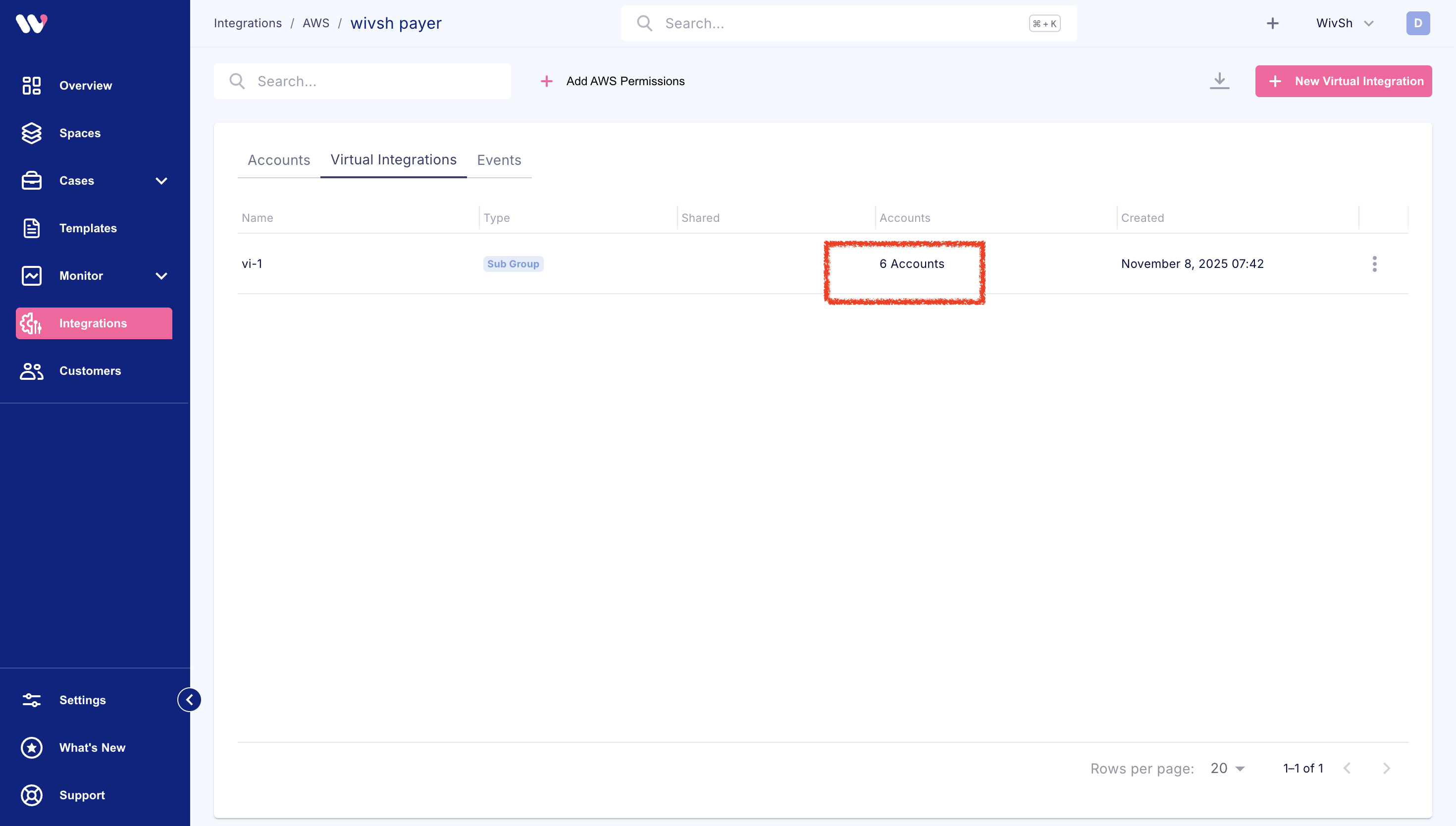
- Update the Athena view to include the new accounts
- Update the billing view filter
- Validate that all changes completed successfully
Deleting a Virtual Integration
Via Console
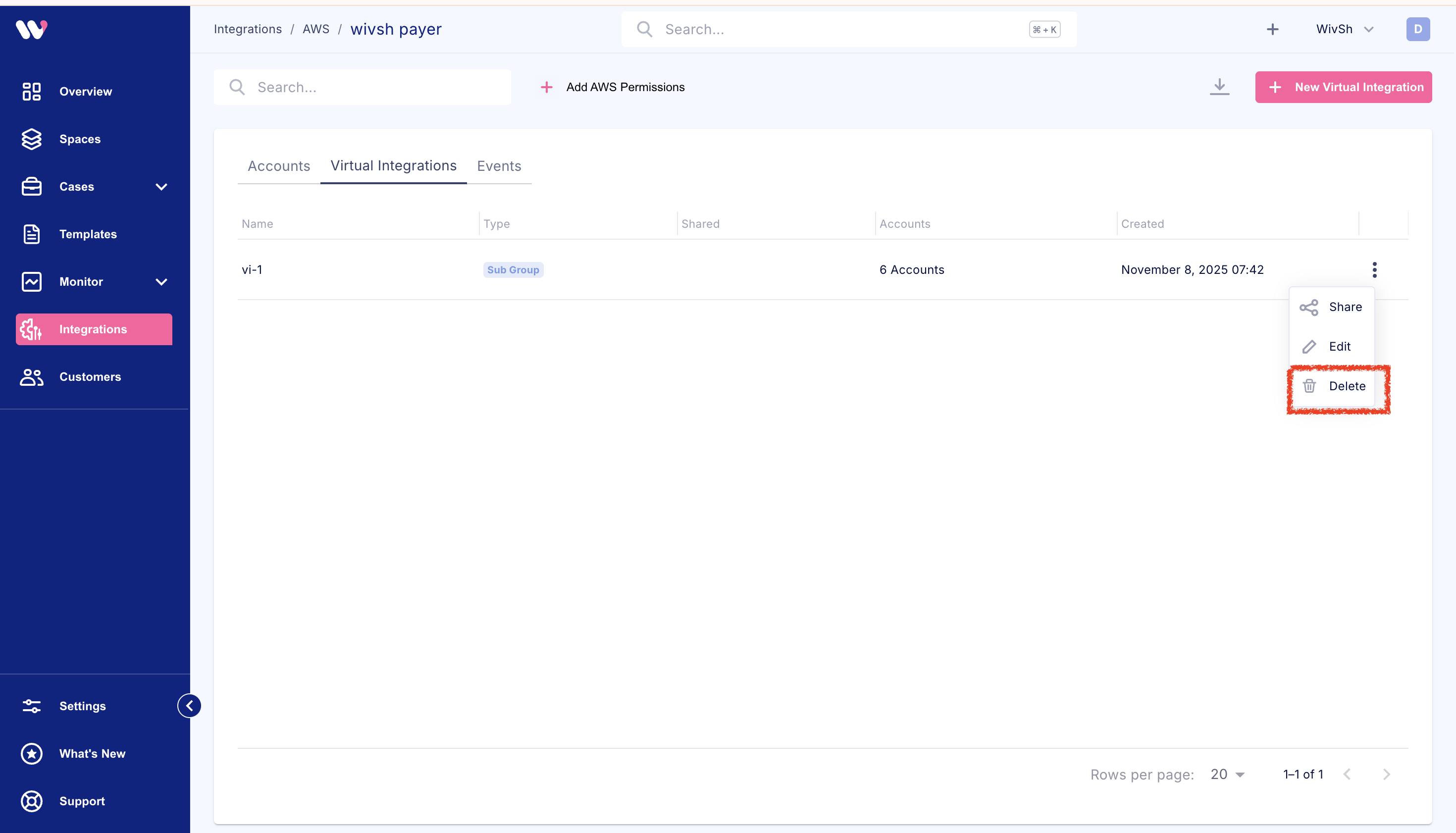
The system will automatically clean up:
- Athena view in the payer account
- Billing view in the payer account
- Integration secret
Cost Data Access
Cost Explorer Step
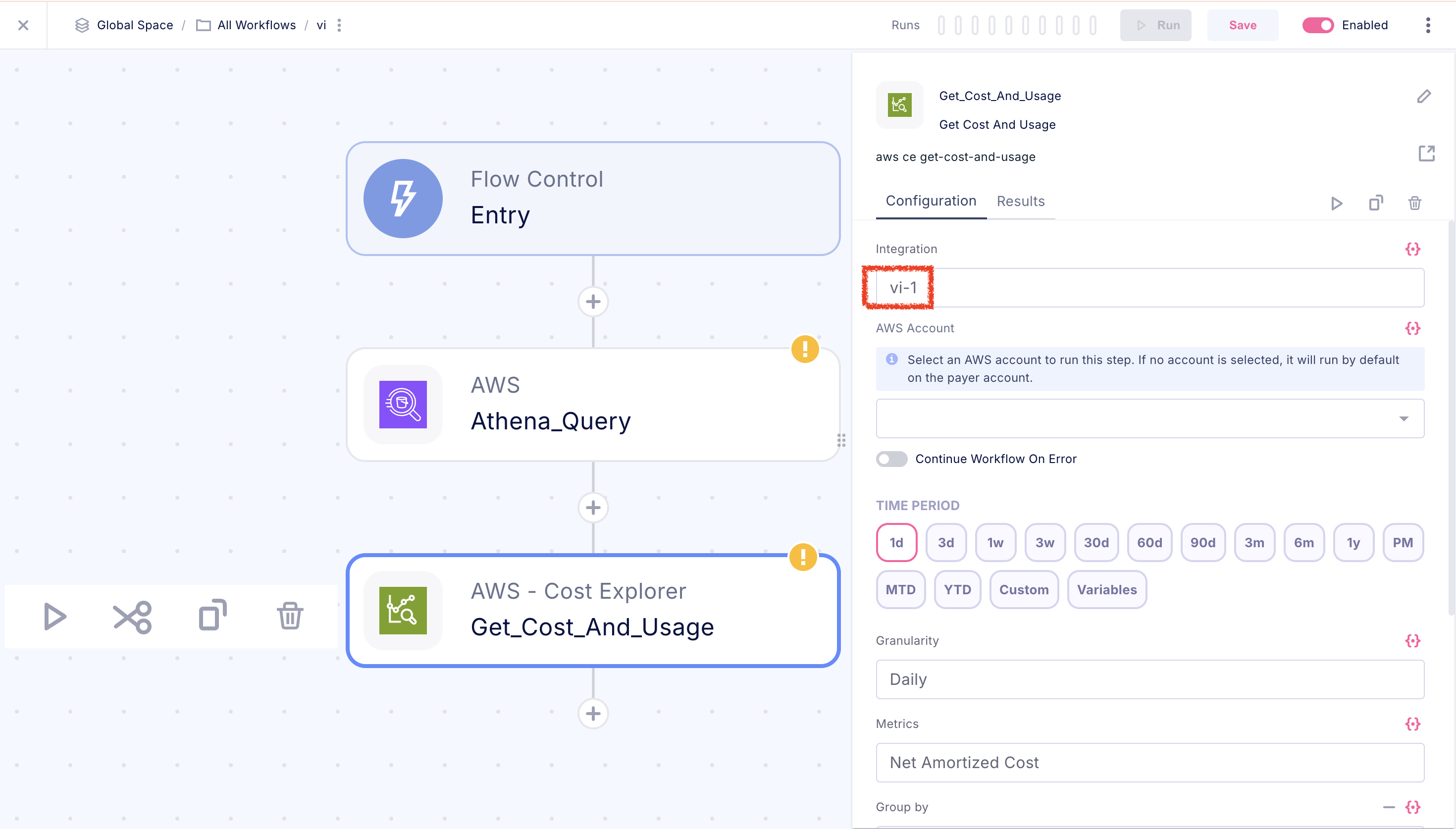
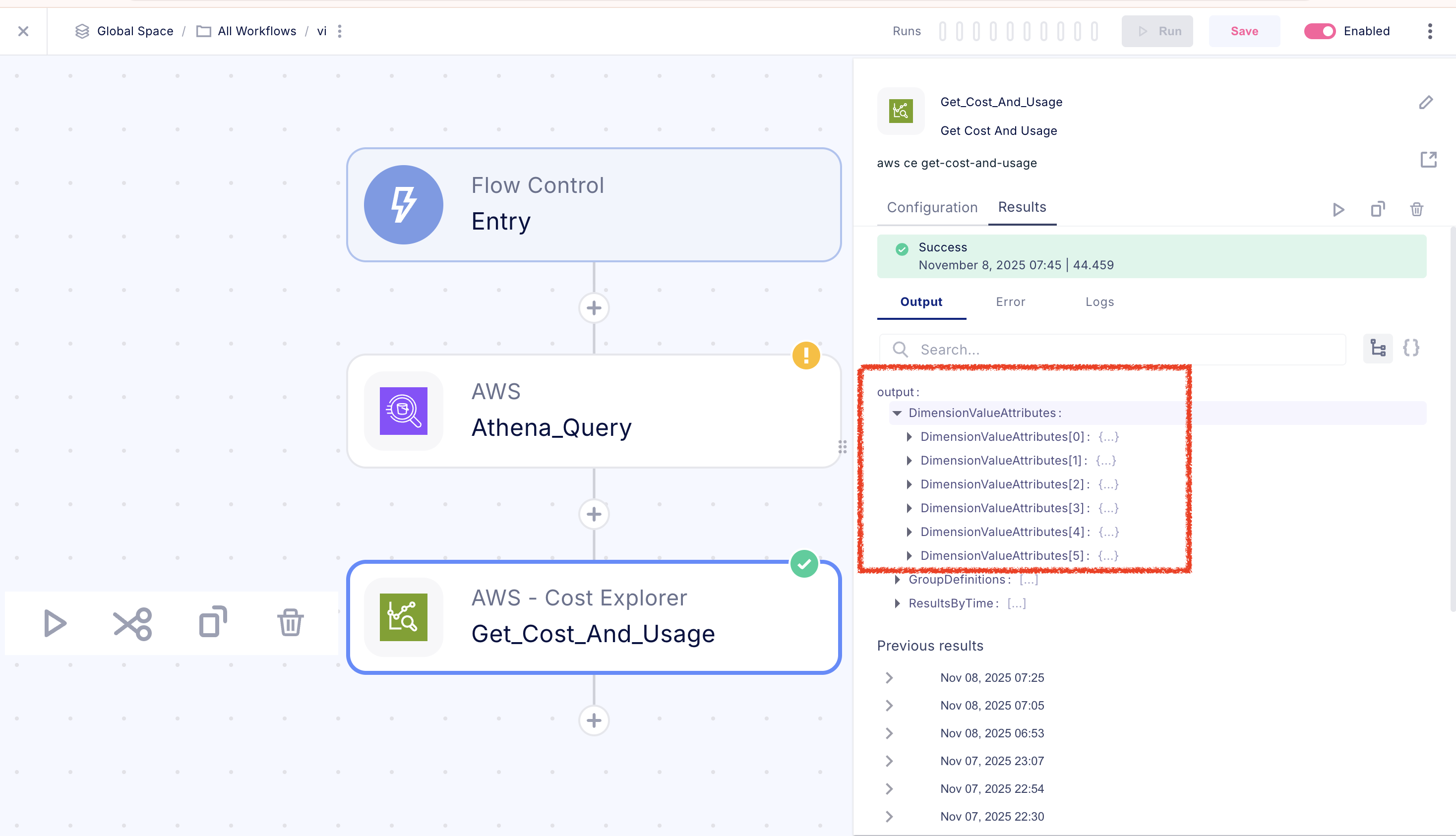
Cost Explorer API
When using the Cost Explorer API with a virtual integration, the billing view is automatically applied:Athena Queries Step
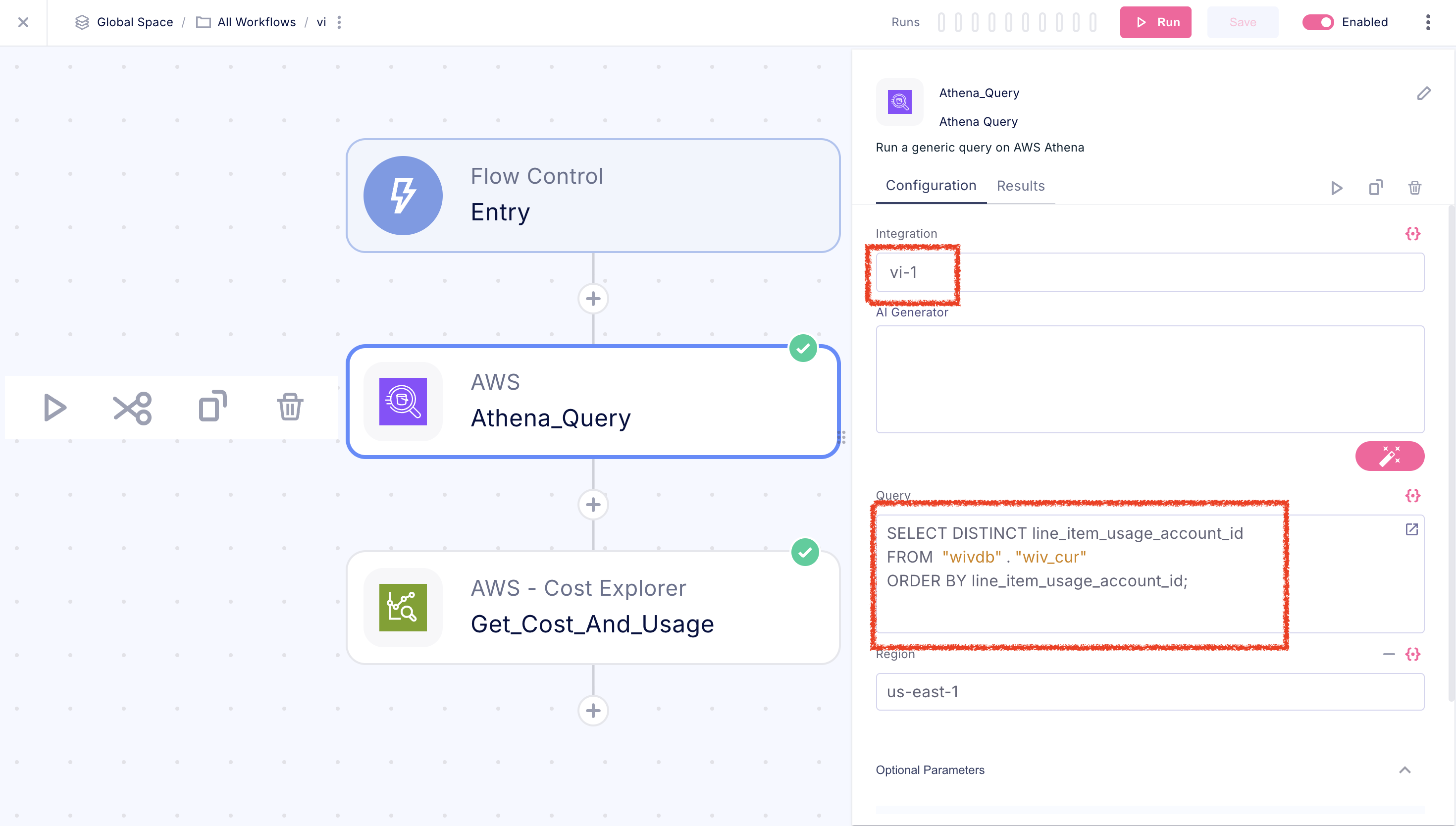
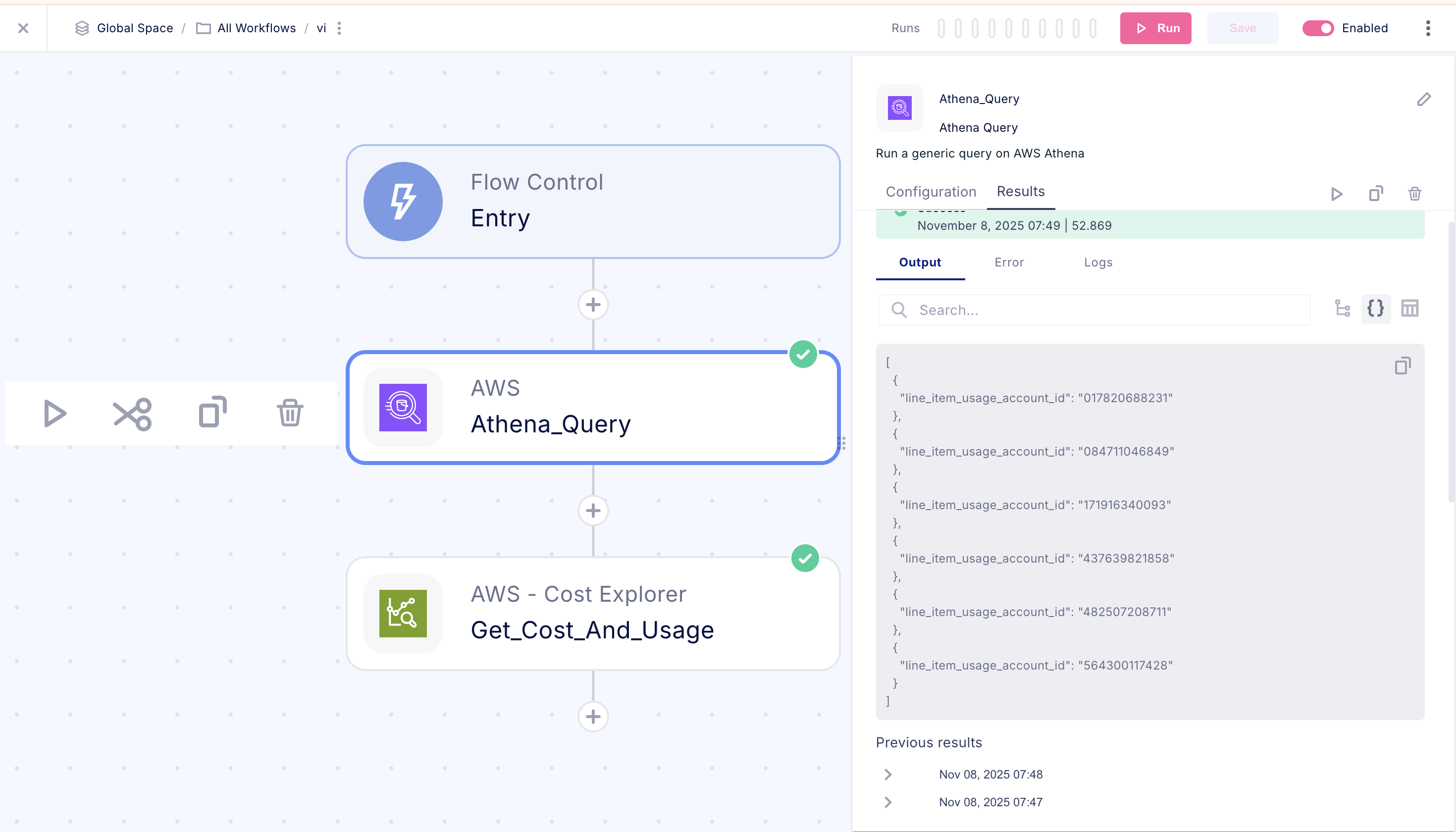
Athena Queries
All Athena queries are automatically rewritten to use the virtual integration’s view. The view ensures row-level security by filteringline_item_usage_account_id to only the assigned accounts.
Architecture Overview