Getting Started
Enabling Workflows
To make workflows executable from Slack, you need to make them visible to the bot. Navigate to the workflows page on the platform, click the 3 dots menu beside your chosen workflow, and select Enable Run from Slack.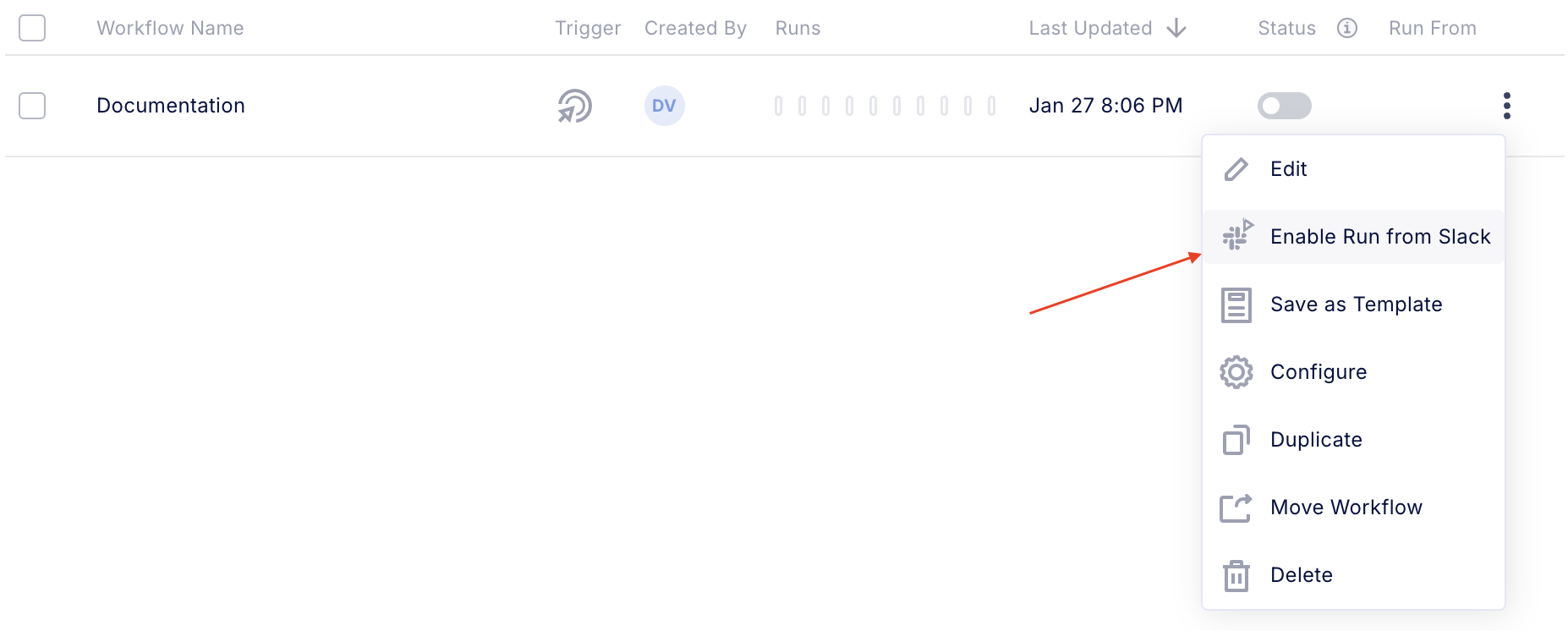
Using the Bot
- Invoke the Bot — Start by typing
/wivin the message box. This will display available Wiv bot commands.
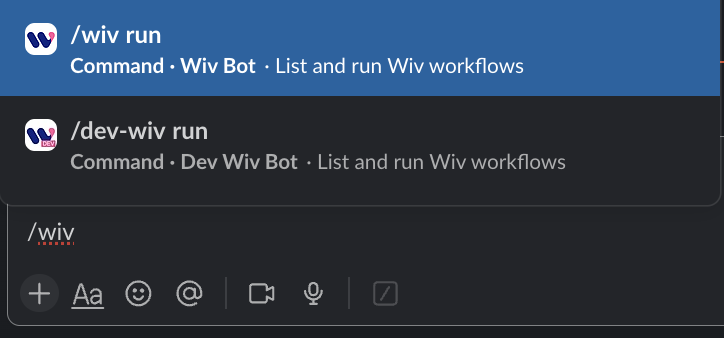
- Available Commands
| Command | Description |
|---|---|
/wiv run | Displays all workflows in your Wiv account that can be triggered from Slack. After viewing the list, you can select and run any workflow directly through Slack. |
Running Workflows from Slack
To run a workflow using Slack:- Open Slack and type
/wiv run. - You’ll be shown all workflows that are enabled for Slack execution.
- Select the workflow you would like to run.
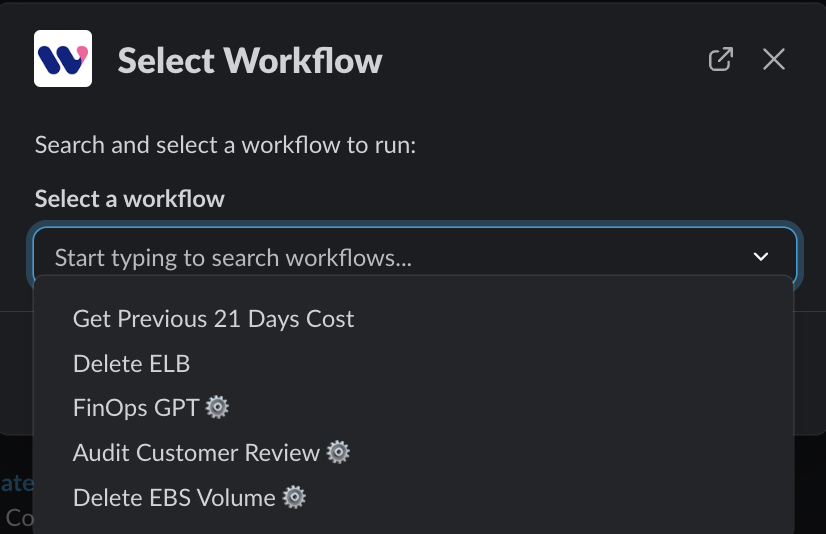
- For workflows with input parameters, look for the “gear” icon — this allows you to modify the parameters before starting the workflow. Select such a workflow and on the next page you will be able to adjust the entry parameters.
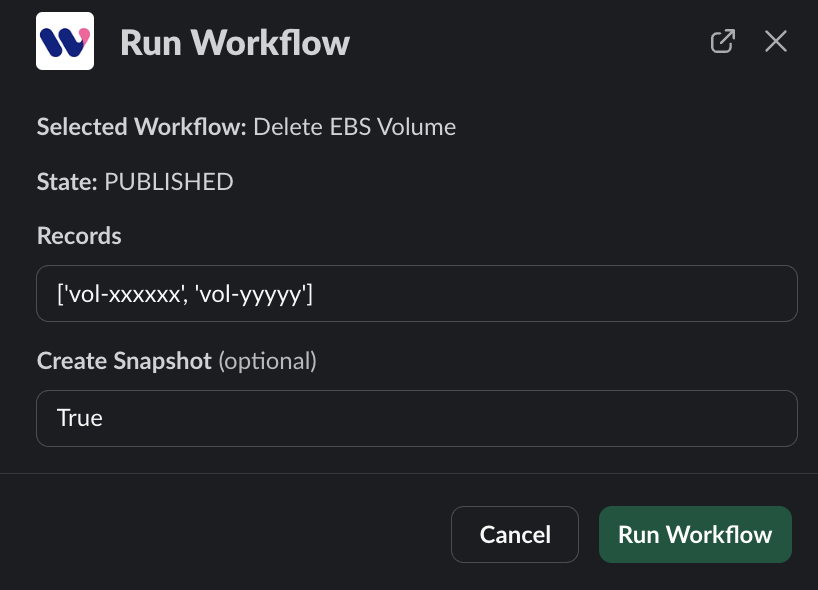
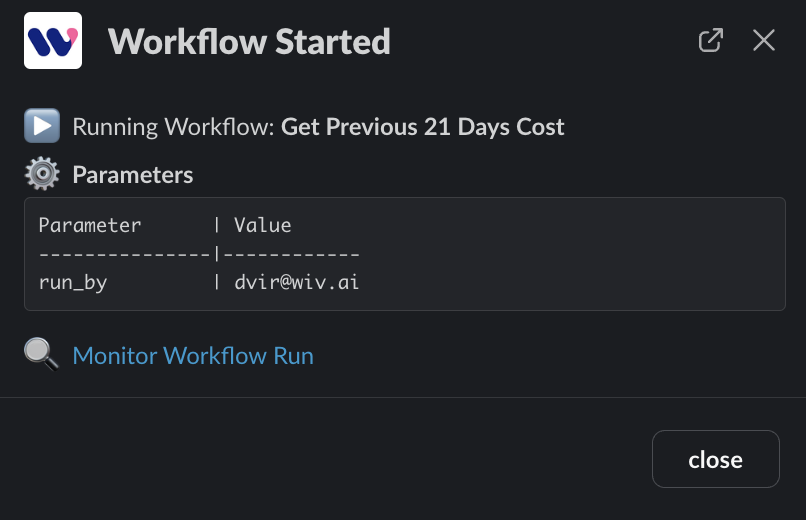
- Running the workflow will show you the relevant information.
- Workflows that return a response will send it to the Wiv Bot chat with the relevant output.